
These work from home desk setup ideas focus on the desk itself — its size, shape, screen position and the small accessories that make long workdays easier. Every idea starts at the desktop, so you can improve your setup one change at a time.
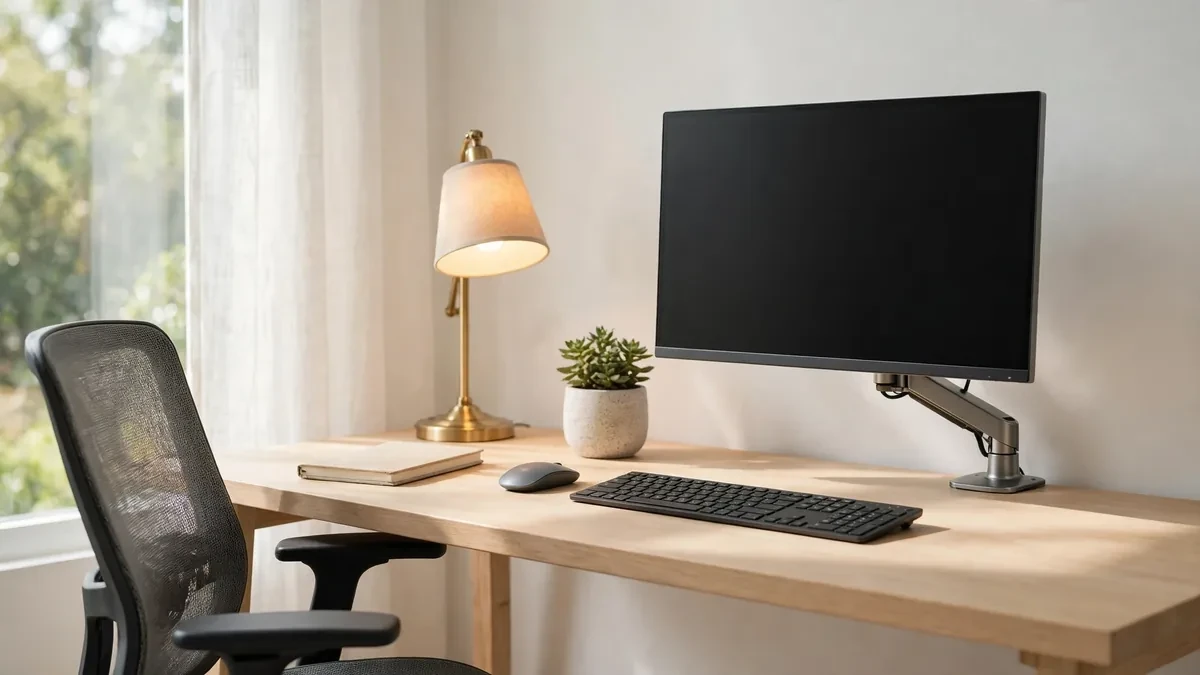
Desk Types That Fit Your Room
1. L-Shaped Corner Desk
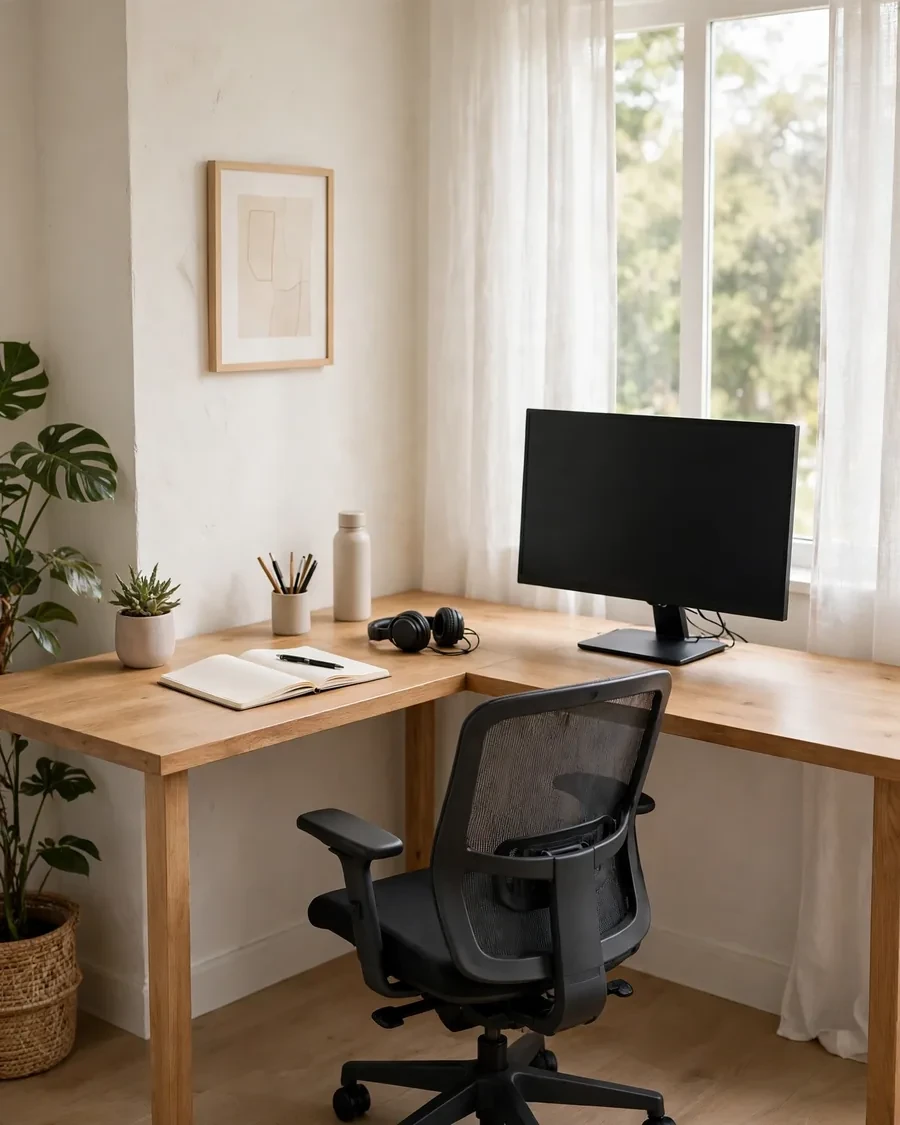
A corner desk turns dead space into a work surface for screen and notes. Best for: spare bedrooms. Pro tip: put the monitor on the longer arm.
2. Sit-Stand Desk

A height-adjustable desk lets you switch between sitting and standing easily. Best for: full-time remote workers. Pro tip: set memory presets for both heights.
3. Floating Wall-Mounted Desk
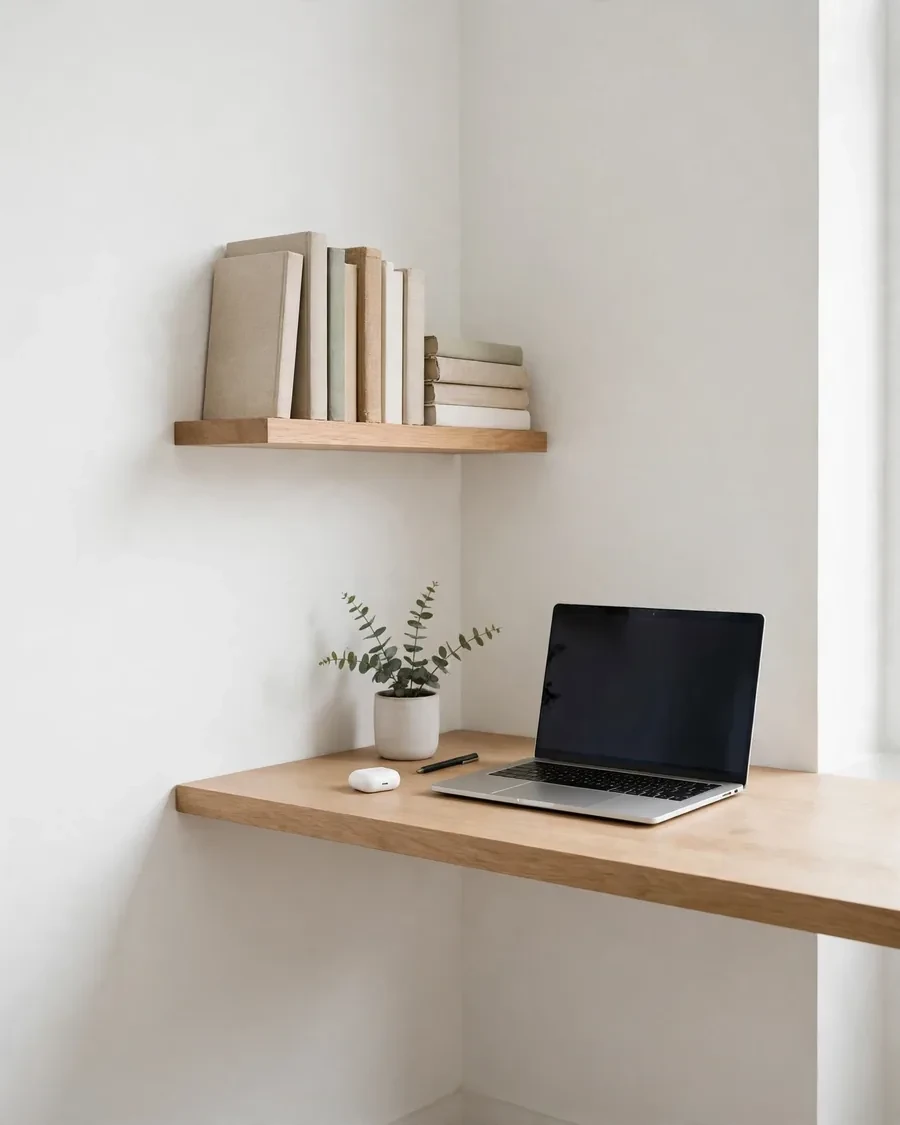
A wall-mounted desk frees floor space and keeps small rooms open. Best for: renters and small flats. Pro tip: mount it at elbow height.
4. Slim Straight Desk
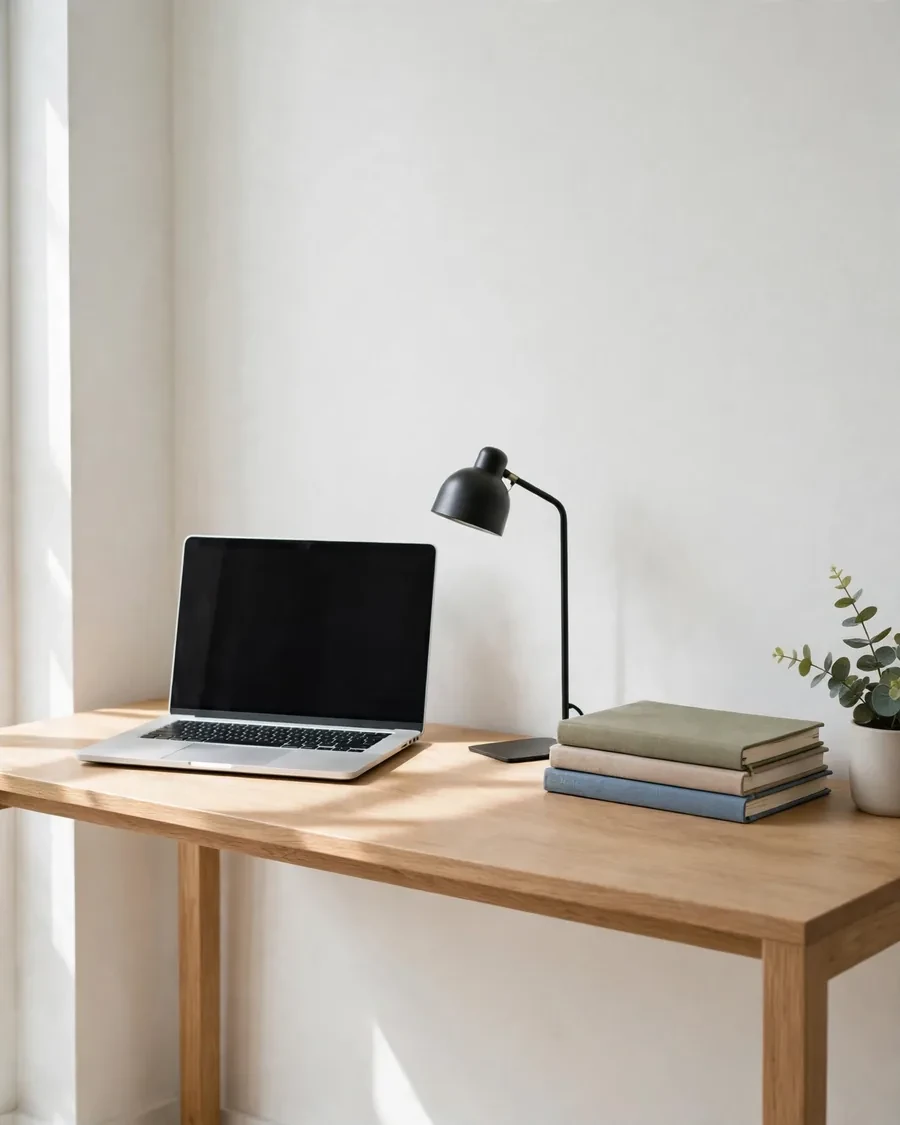
A slim desk, about 100 cm wide, fits a single wall neatly. Best for: one-wall bedrooms. Pro tip: choose one with a drawer.
5. Built-In Window Desk
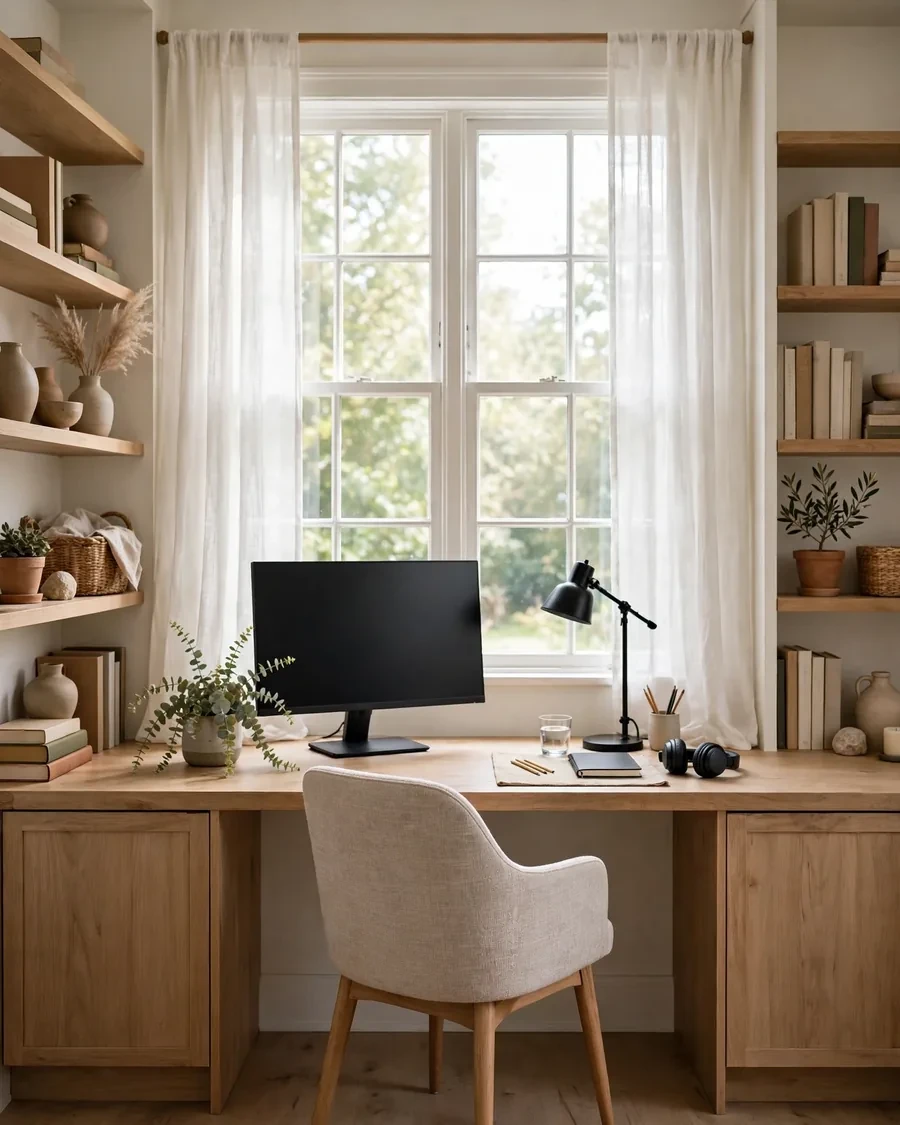
A desk under a window gives steady daylight without glare. See our built-in corner desk ideas. Best for: lasting offices. Pro tip: add a sheer blind.
6. Fold-Down Desk
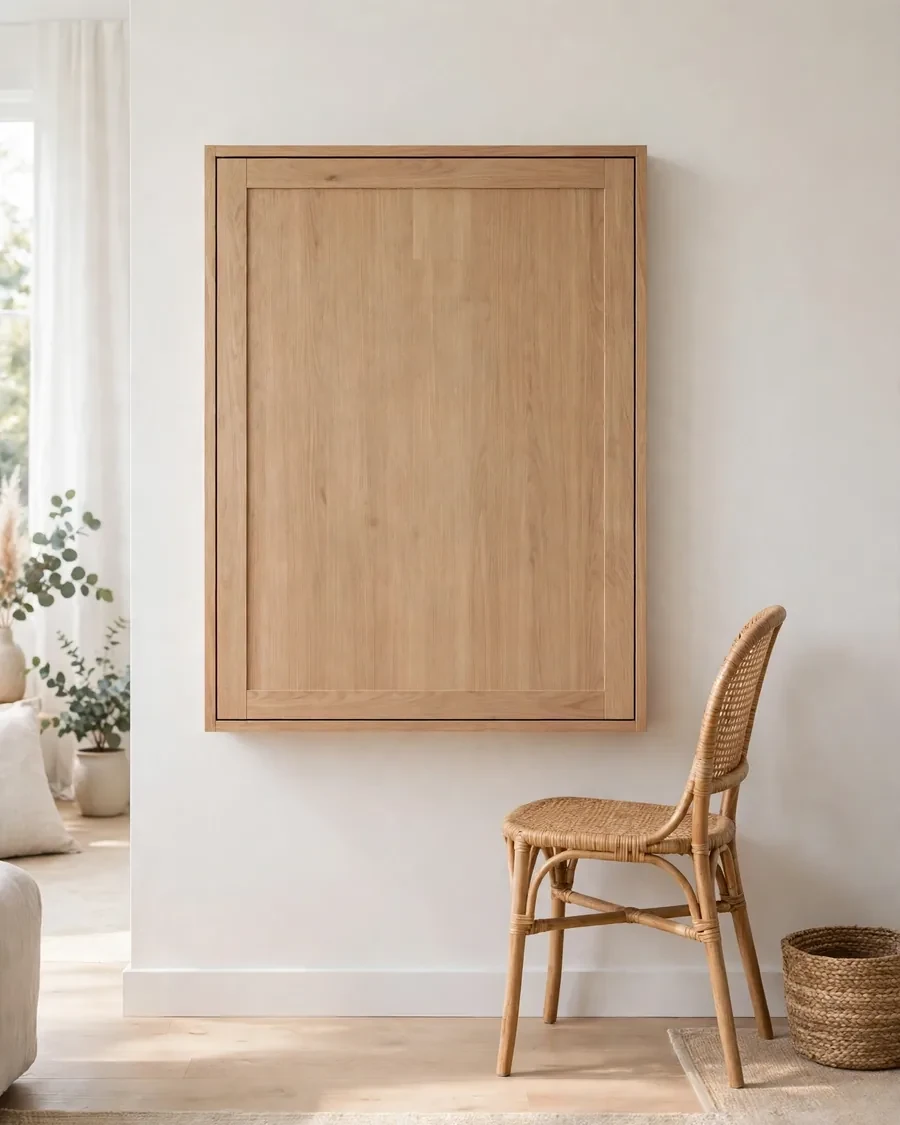
A fold-down desk gives a real work surface, then folds flat. Best for: studio flats. Pro tip: keep a basket nearby for quick clearing.
Monitor Placement That Saves Your Neck
7. Monitor on an Adjustable Arm
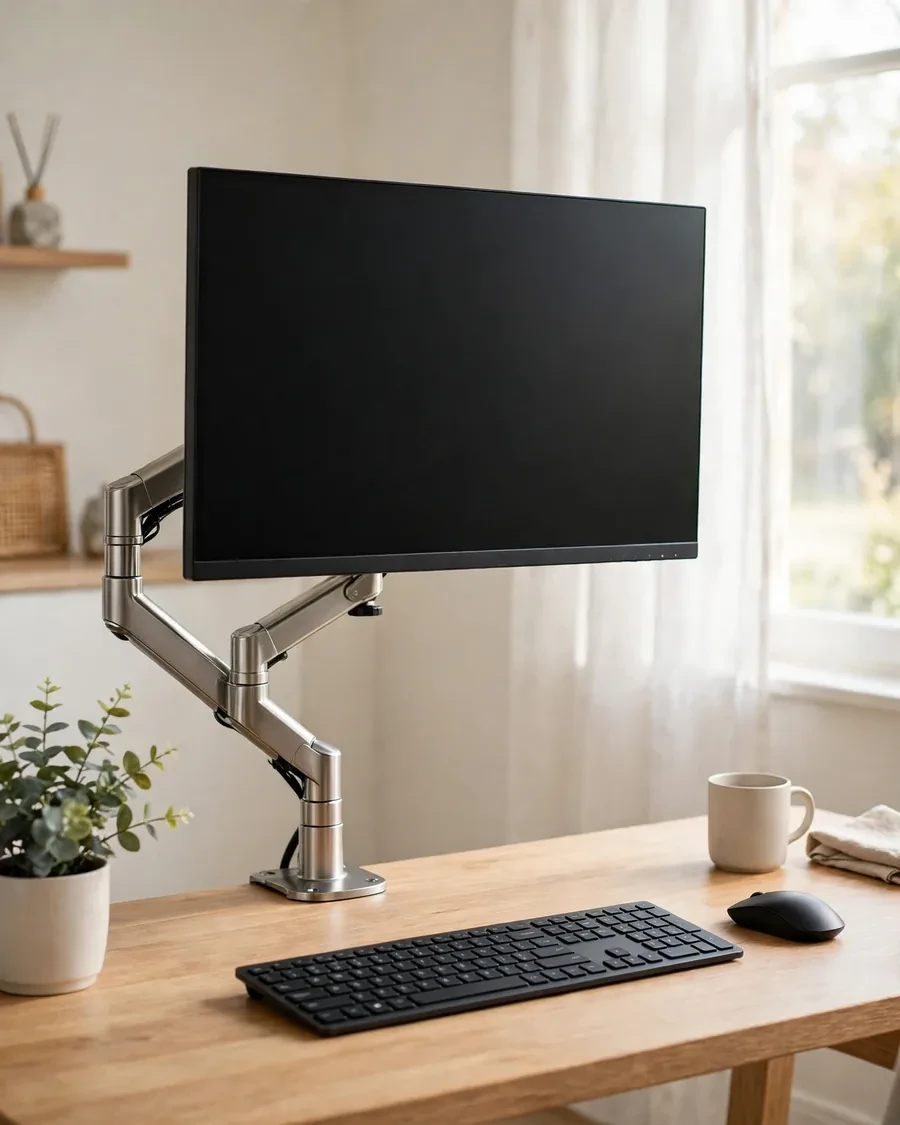
A monitor arm lifts the screen to eye level, freeing desk space. Best for: small desks. Pro tip: clamp it at the back edge.
8. Dual Monitors Side by Side
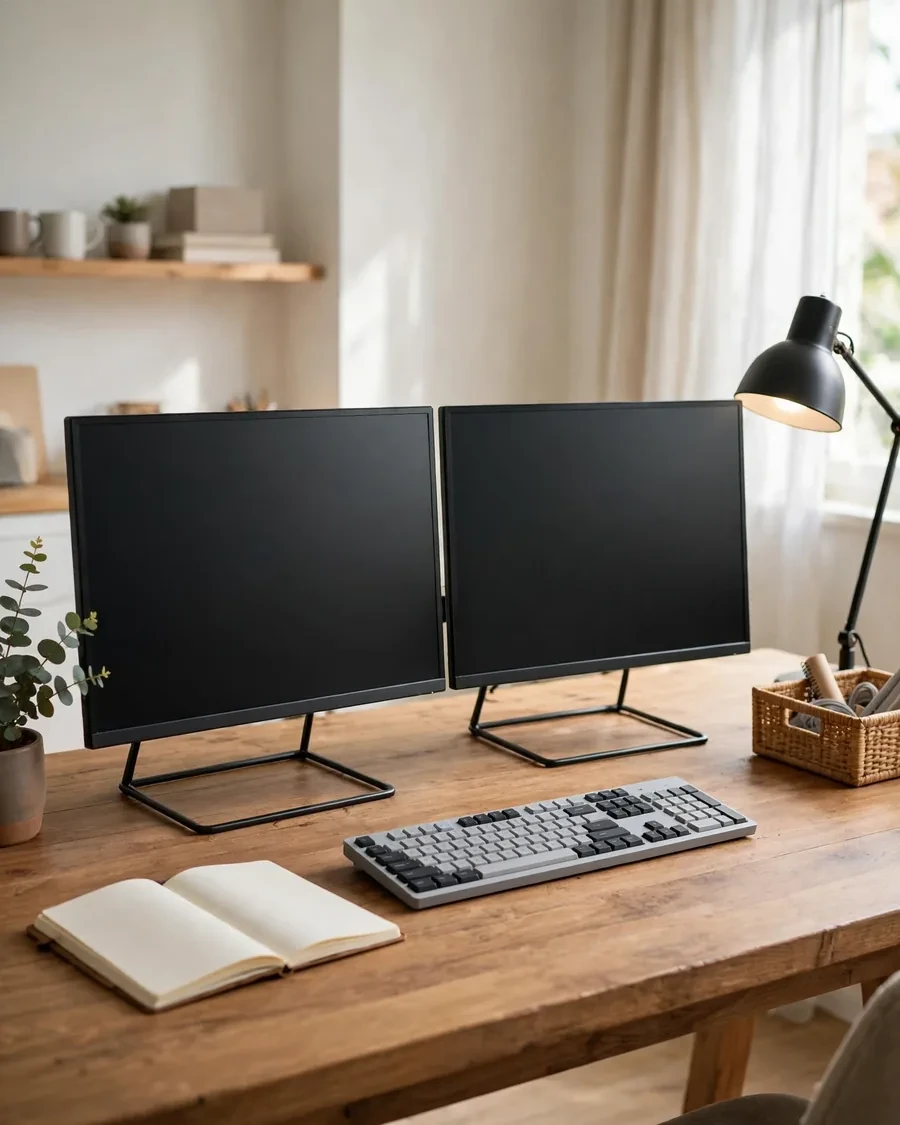
Two matching screens keep email on one side, work on the other. Best for: spreadsheets and research. Pro tip: keep your main screen ahead.
9. Laptop Riser and Separate Keyboard

Raising a laptop to eye level with a separate keyboard helps most. Best for: laptop-only workers. Pro tip: pick a riser that folds flat.
10. Ultrawide Monitor
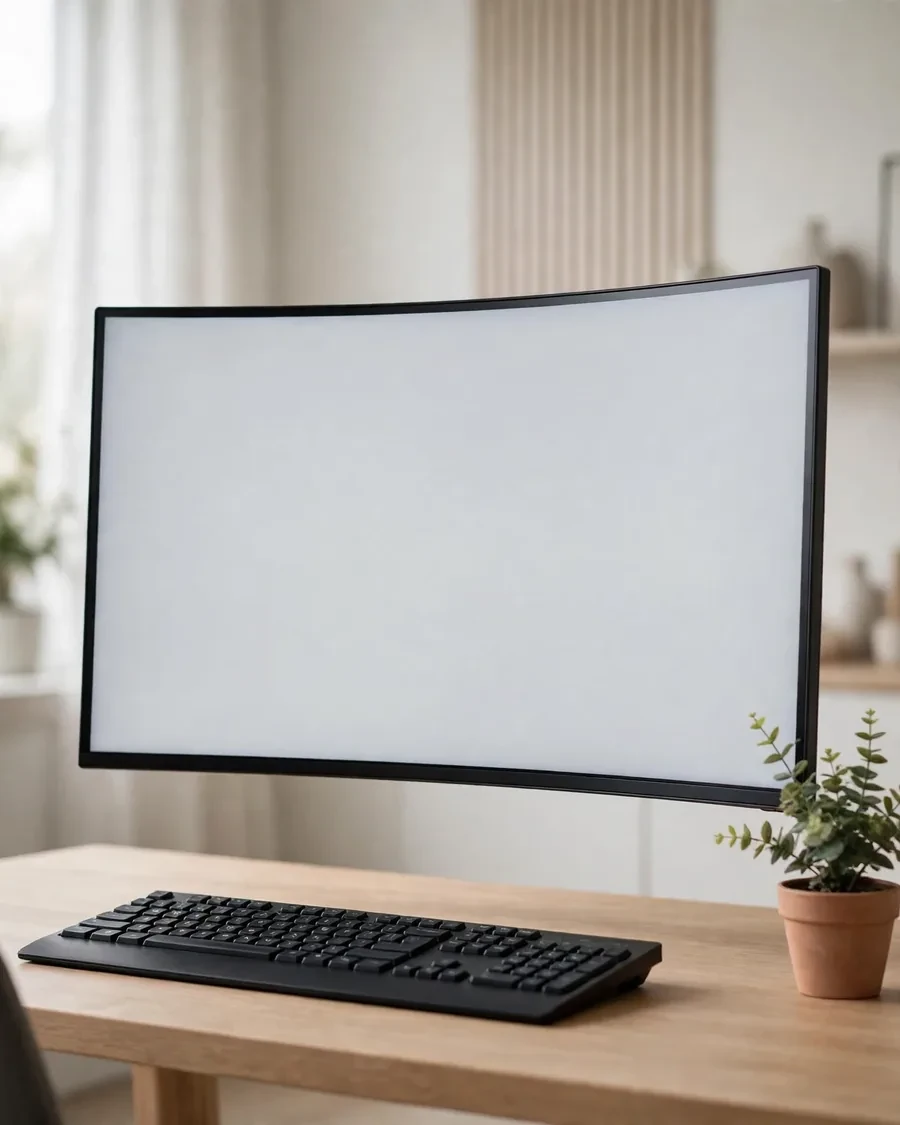
An ultrawide screen replaces two monitors with one seamless display. Best for: editing, coding and finance. Pro tip: sit a little farther back.
11. Vertical Second Monitor

Turn a second monitor sideways and long pages fit without scrolling. Best for: writers and coders. Pro tip: keep active work on the main screen.
12. Monitor Shelf Riser

A shelf under your monitor lifts the screen and stores a keyboard below. Best for: fixed-height desks. Pro tip: match the shelf wood to your desk.
Ergonomics at the Desk
13. Chair Height and a Footrest
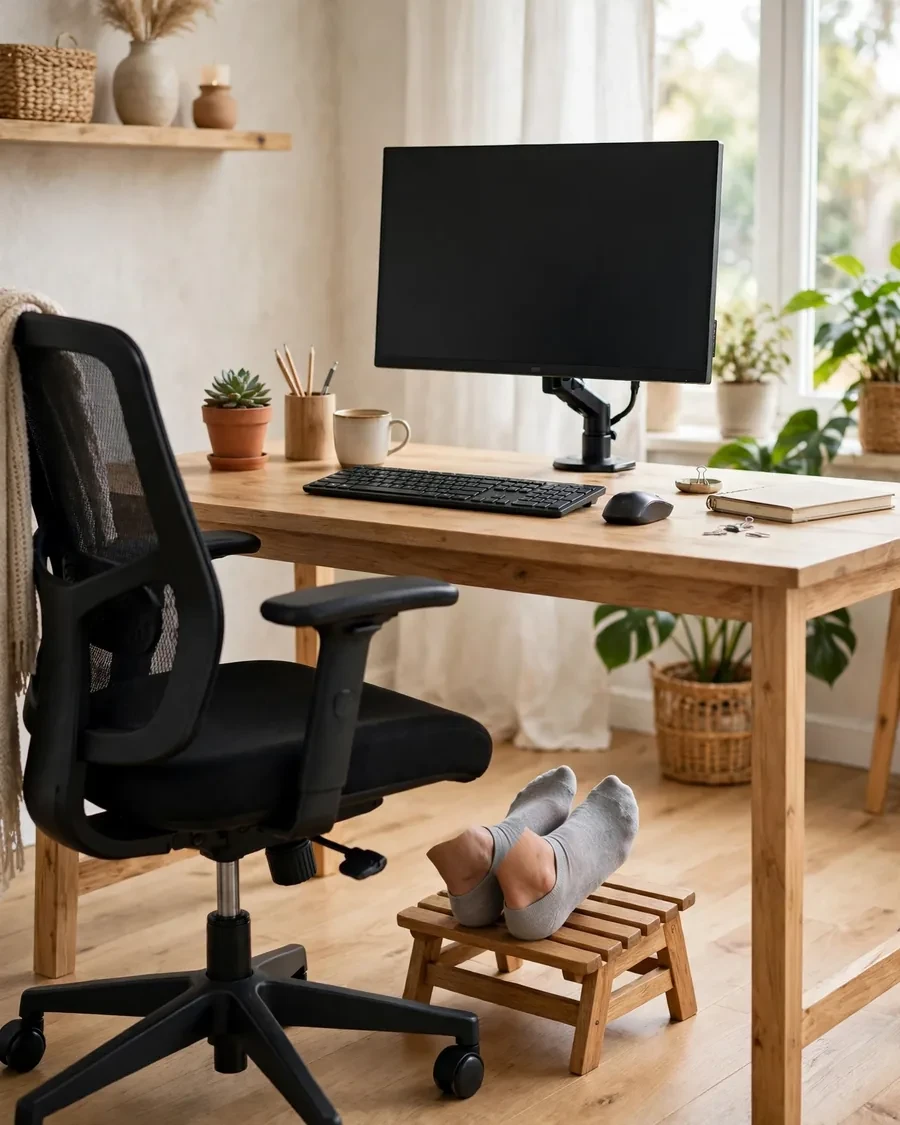
Set your chair so feet rest flat; if feet dangle, add a footrest. Best for: non-adjustable desks. Pro tip: re-check the fit after a week.
14. Keyboard Tray

A slide-out keyboard tray drops hands below desk height for relaxed shoulders. Best for: tall desks. Pro tip: look for a slight negative tilt.
15. Desk Mat and Wrist Rest
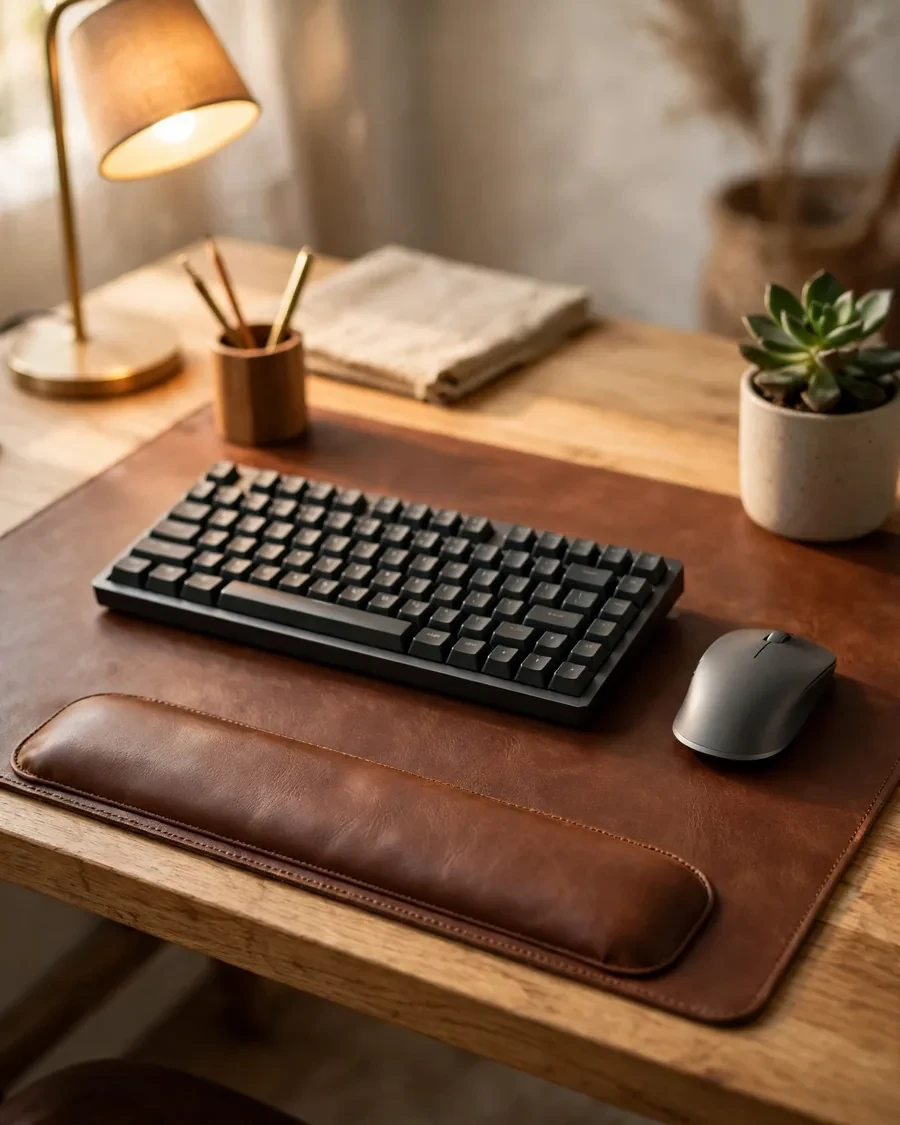
A desk mat defines your work zone while a wrist rest supports typing. Best for: writers and typists. Pro tip: choose a mat for keyboard and mouse.
16. Anti-Fatigue Mat
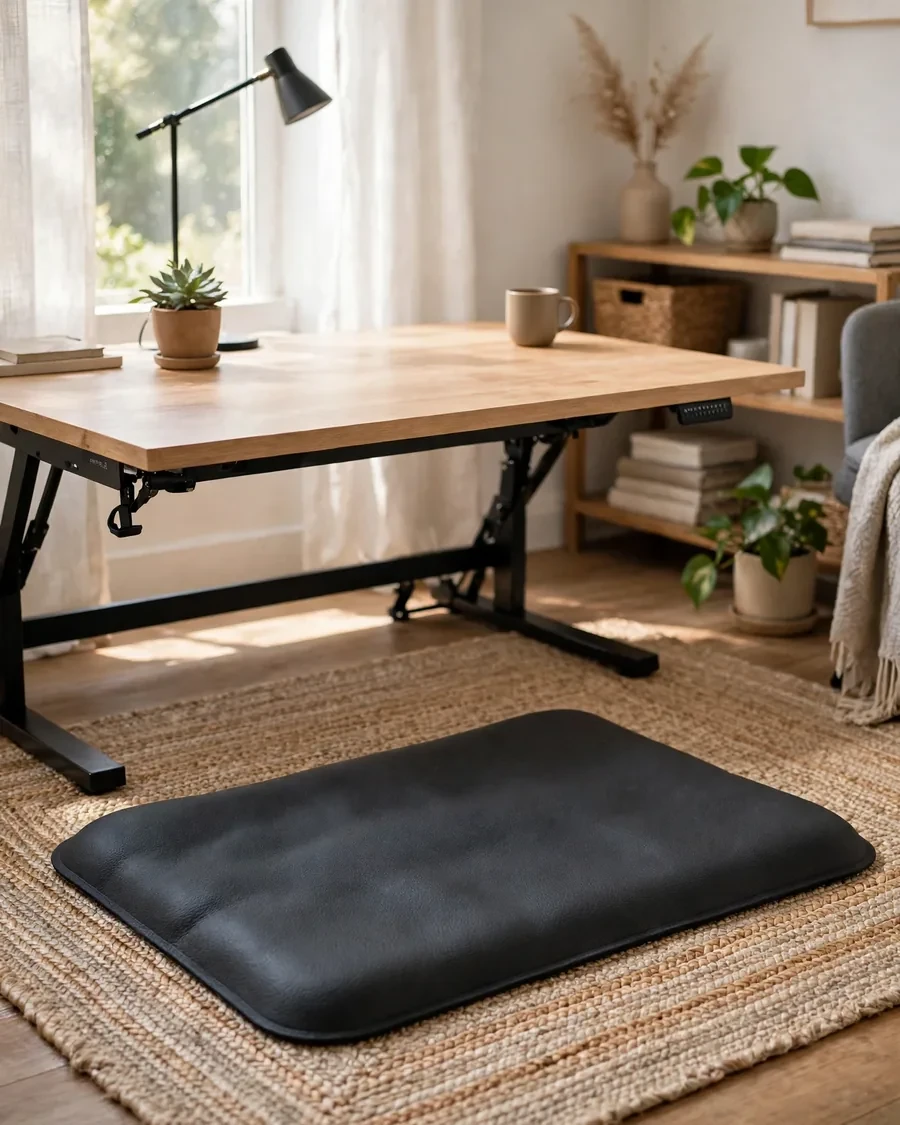
A cushioned mat makes standing kinder on feet, knees and back. Best for: sit-stand desk owners. Pro tip: walk or stretch every hour.
17. Task Lamp at the Side
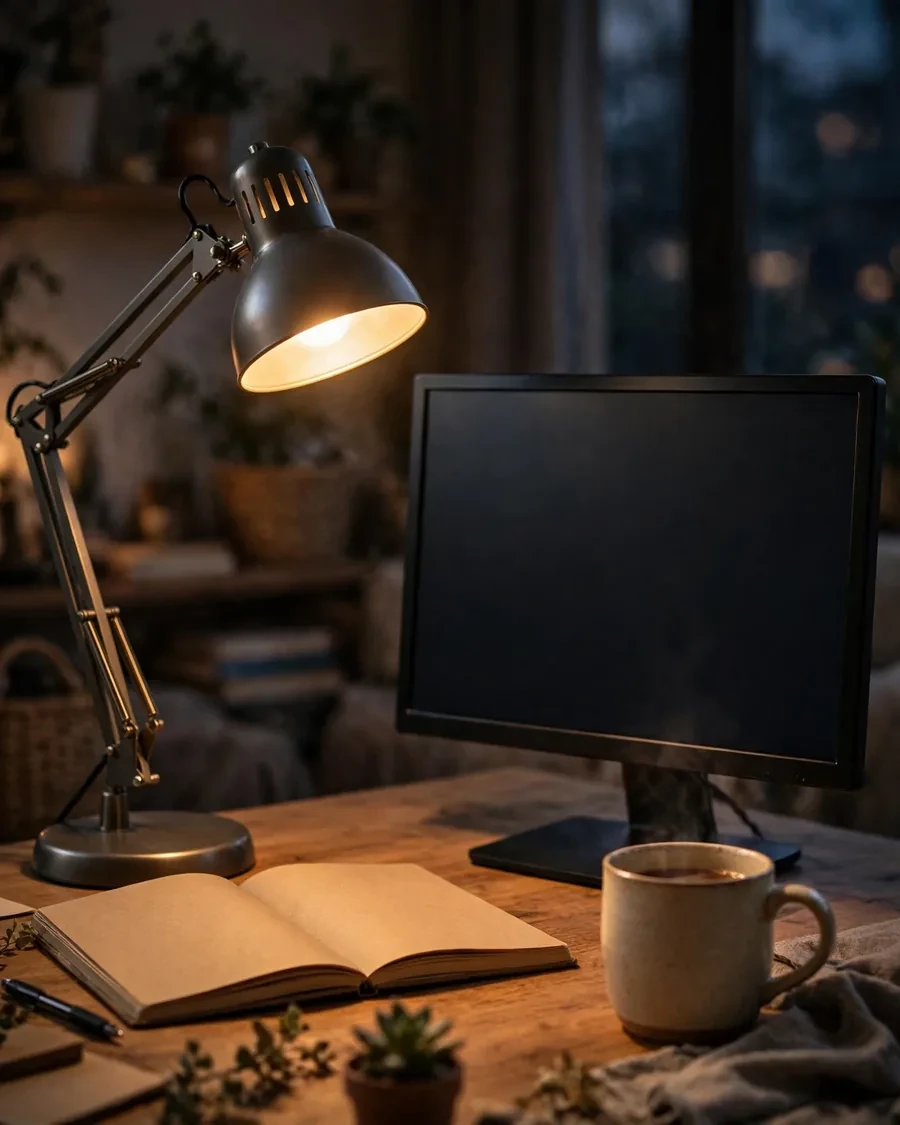
A task lamp at the side lights work without shining into the screen. Best for: evening workers. Pro tip: pick a warm bulb.
18. Screen at Eye Level
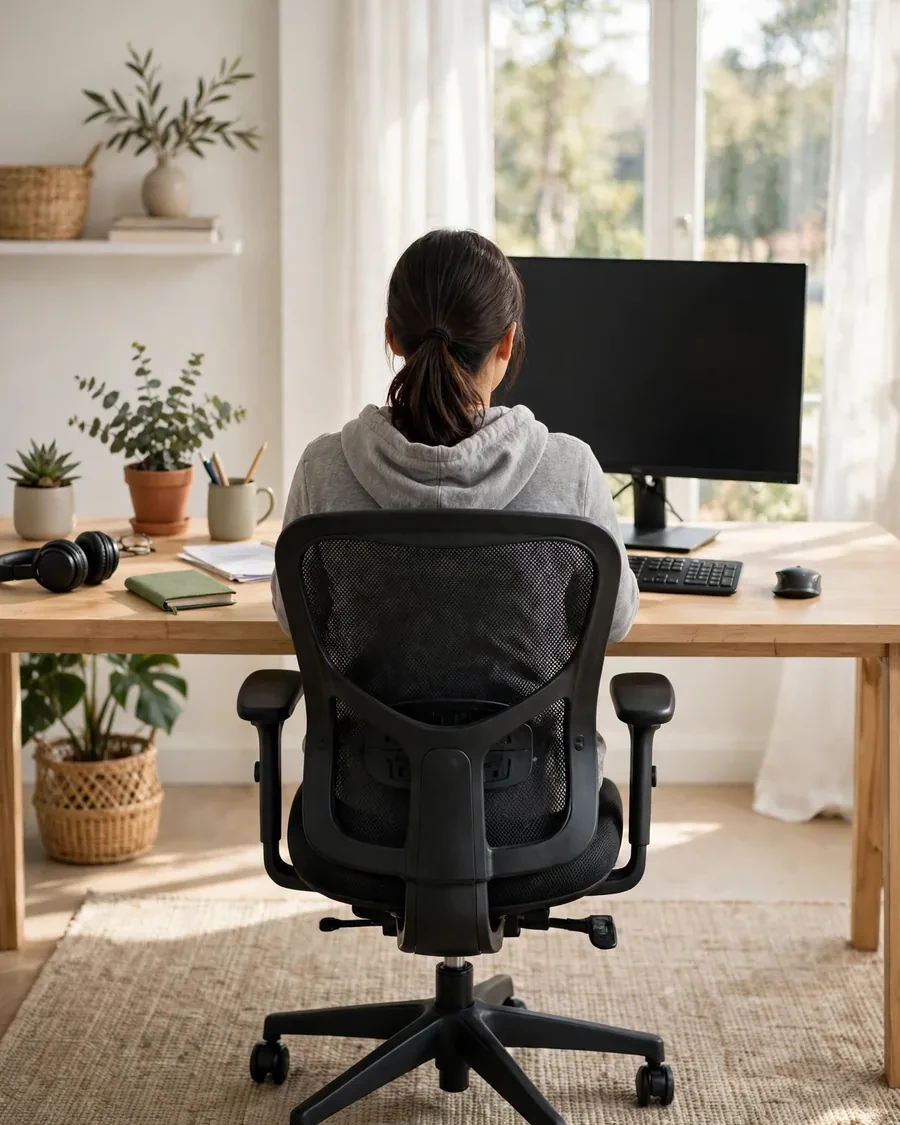
Keep the screen top at eye level, an arm’s length away, per OSHA’s computer workstation guidance. Best for: every setup. Pro tip: move it closer.
Desk Accessories and Organization
19. Under-Desk Cable Tray
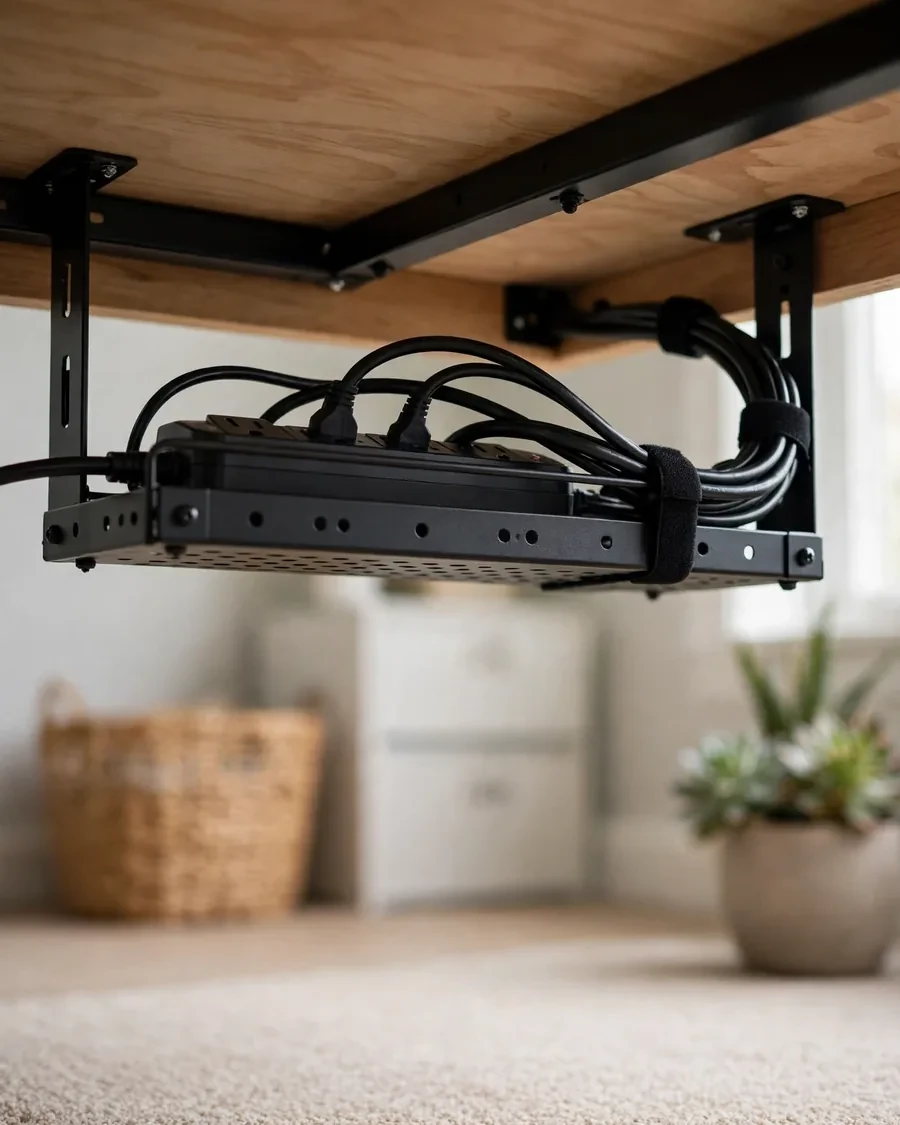
A cable tray under the desk holds power strips off the floor. Best for: multi-device setups. Pro tip: label each plug once.
20. Desk Pegboard
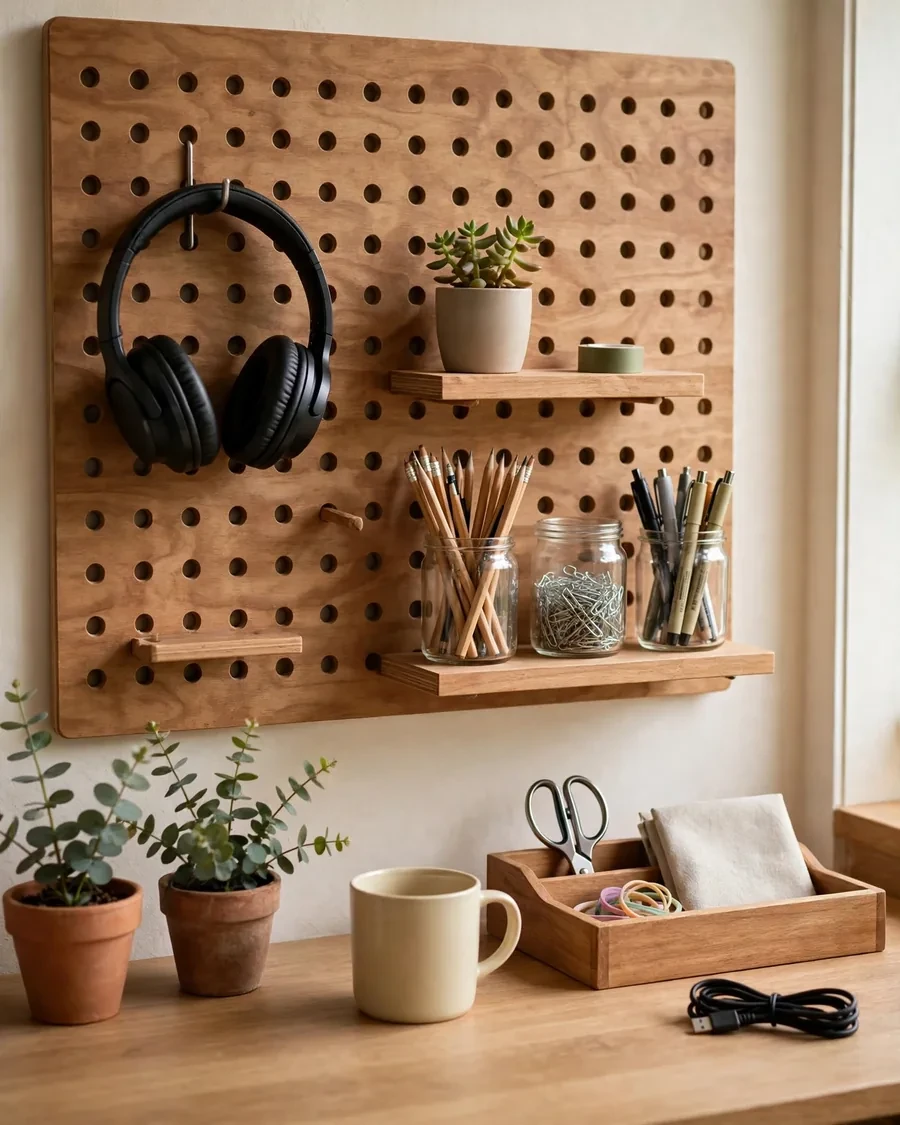
A pegboard above the desk moves headphones and stationery onto the wall. Best for: small desks. Pro tip: leave a few hooks empty.
21. Drawer Organizer and Desk Caddy
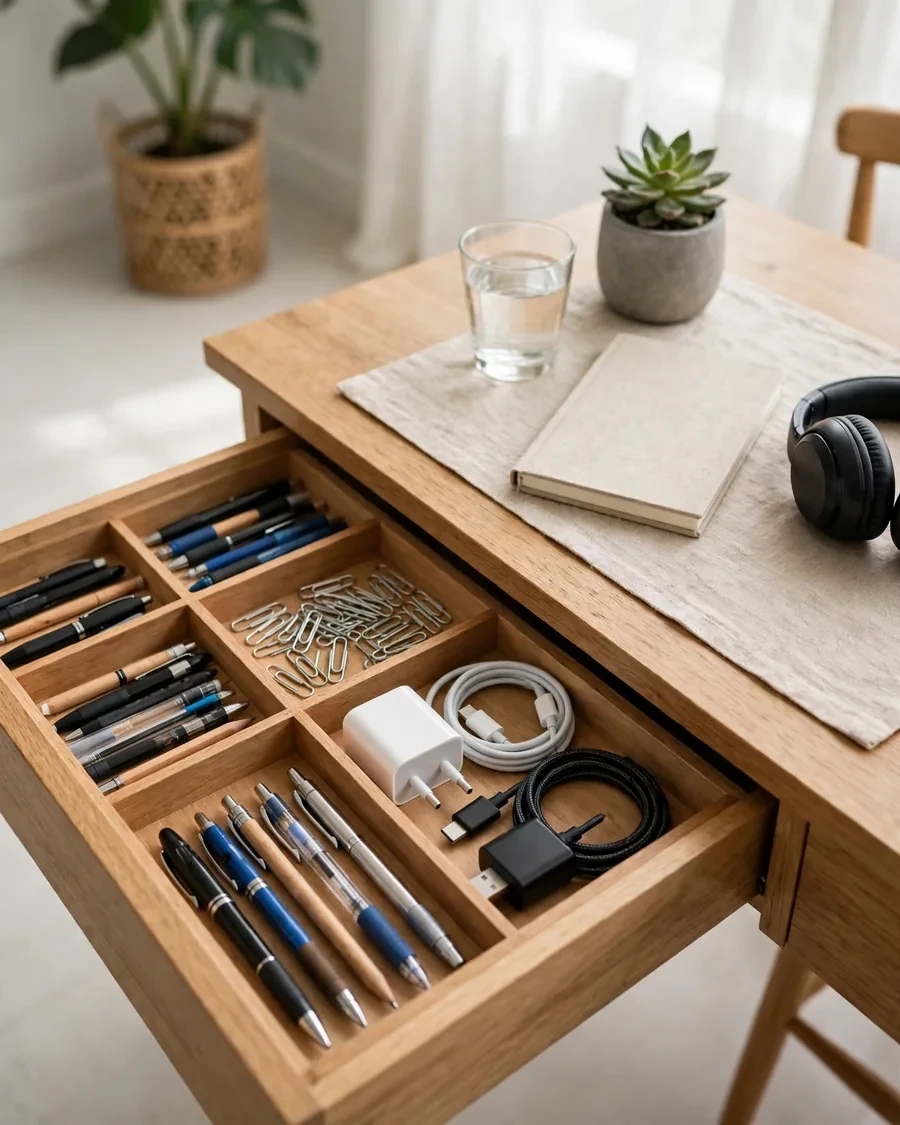
A drawer organizer gives every pen and charger a slot. Best for: shared desks. Pro tip: empty it monthly.
22. Docking Station Zone
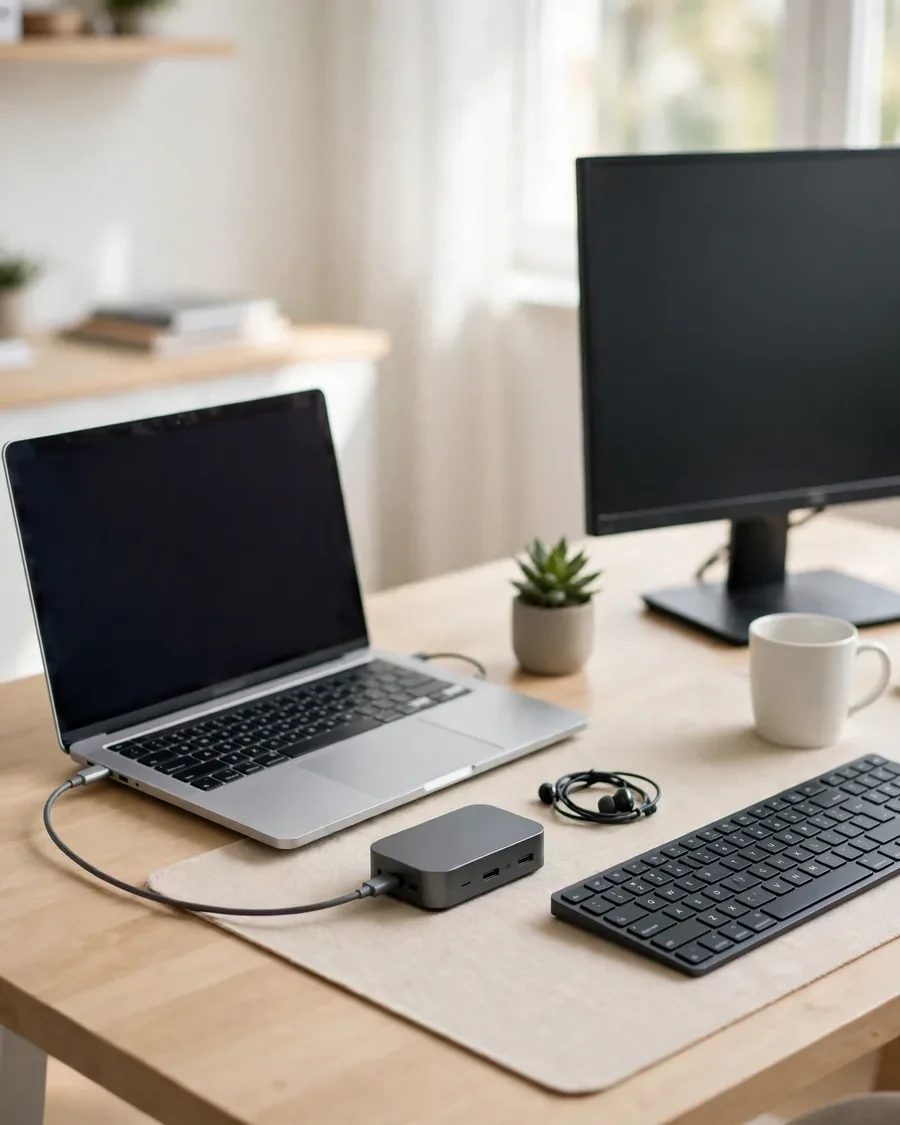
A docking station lets one cable connect laptop, monitor and power. Best for: hybrid workers. Pro tip: fix the dock to the desk back.
23. Desk Shelf for Books and Plants
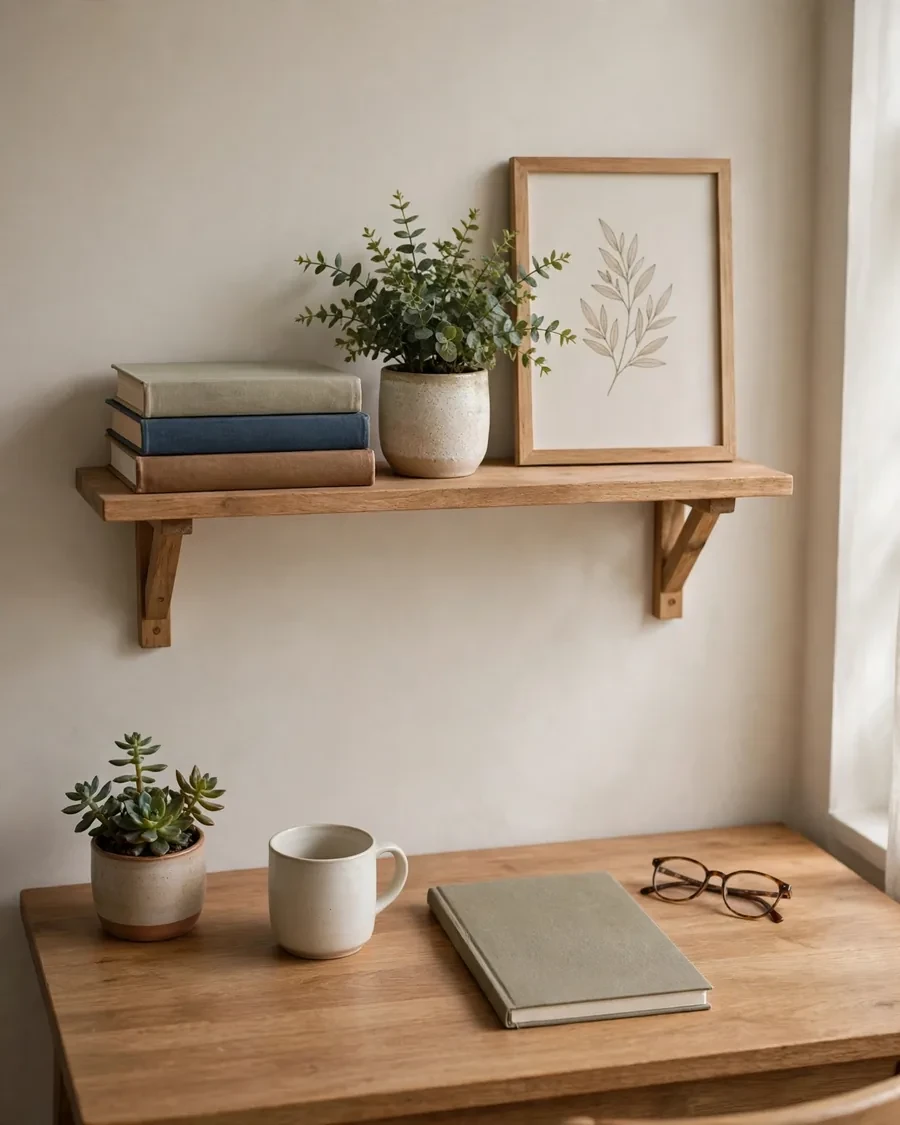
A shelf above the desk holds books and plants off your work surface. Best for: styled desks. Pro tip: keep it light.
24. Charging Drawer
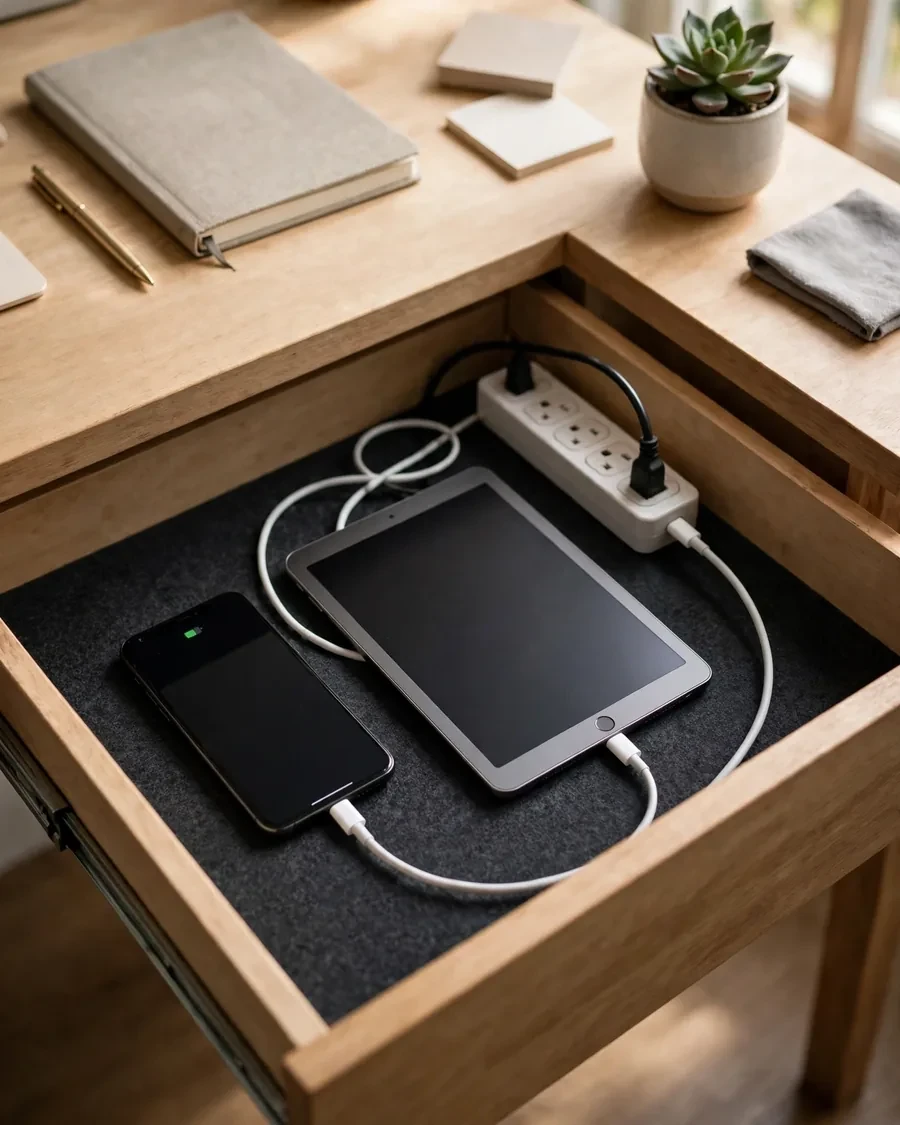
A charging drawer hides phones while they charge, away from your eyes. Best for: easily distracted workers. Pro tip: add a cable hole at the back.
Small Spaces, Style and Focus
25. Closet Desk Nook
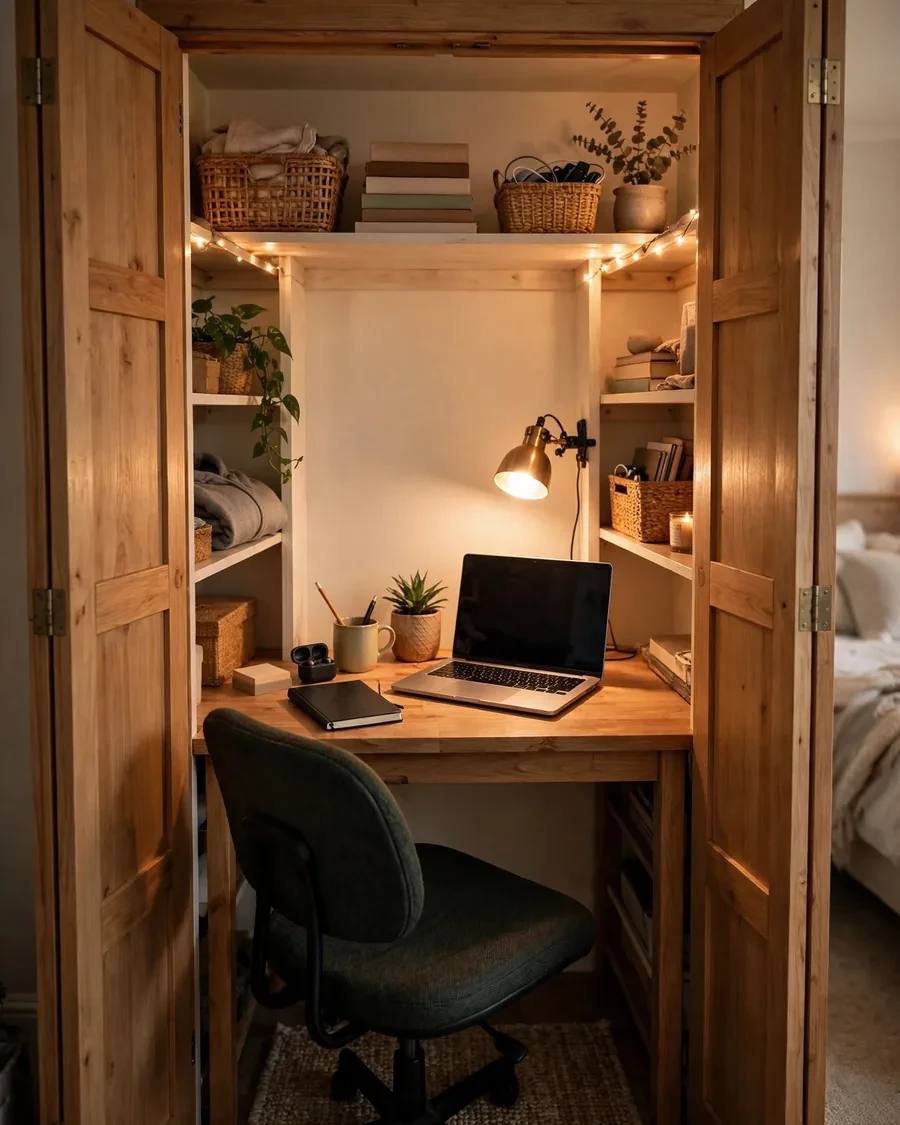
Turn an unused closet into a mini office, then close the doors. Best for: bedrooms. Pro tip: add a small LED strip inside.
26. Desk Behind the Sofa

A slim console desk behind the sofa borrows living-room space discreetly. Best for: open-plan homes. Pro tip: use a laptop here.
27. Scandinavian Light-Wood Desk
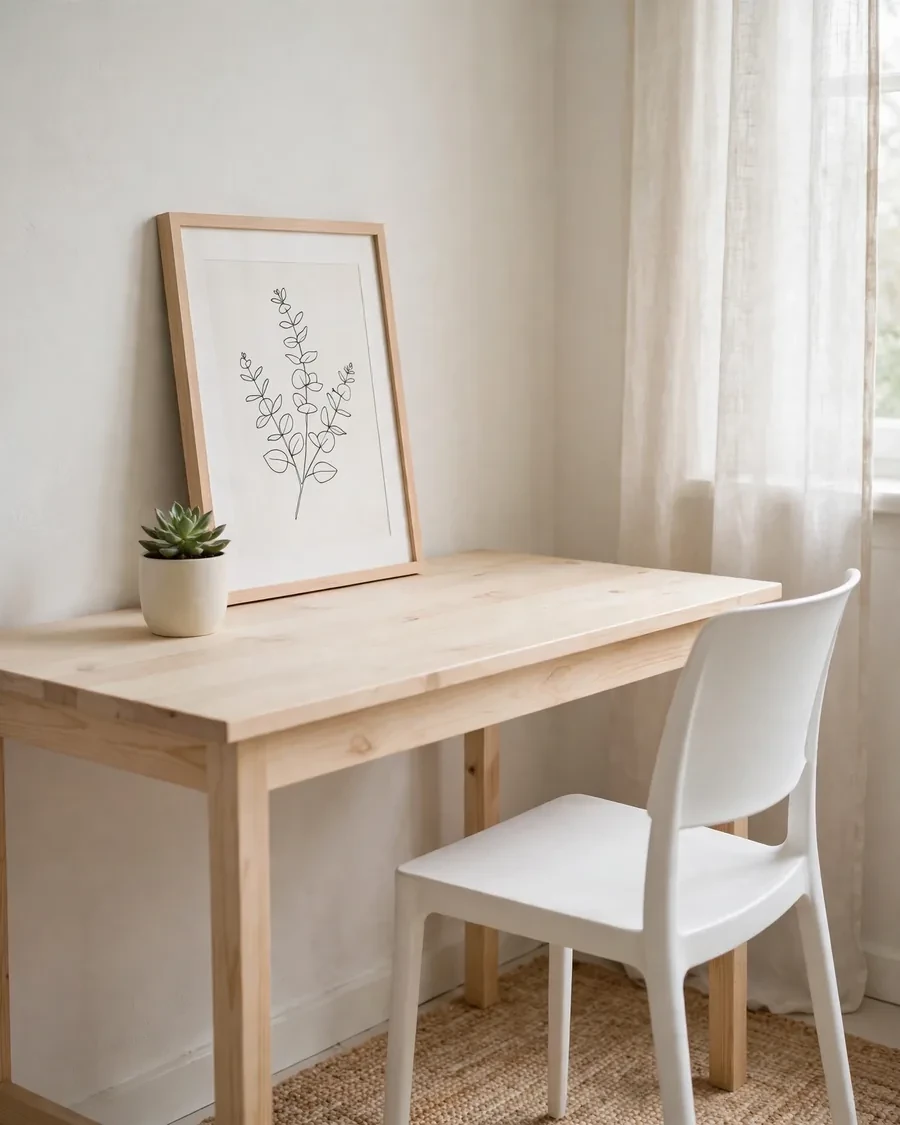
Pale wood, white walls and little clutter make a desk feel calm. Best for: minimalists. Pro tip: one plant and one print suffice.
28. Dark Moody Desk

Dark walls, walnut wood and warm lamplight make a desk feel studious. Best for: writers and night workers. Pro tip: keep the desk surface light.
29. Plant-Lined Desk

A row of small plants along the desk back softens the tech. Best for: screen-heavy days. Pro tip: pick low-light plants like pothos.
30. Camera-Ready Video Call Desk
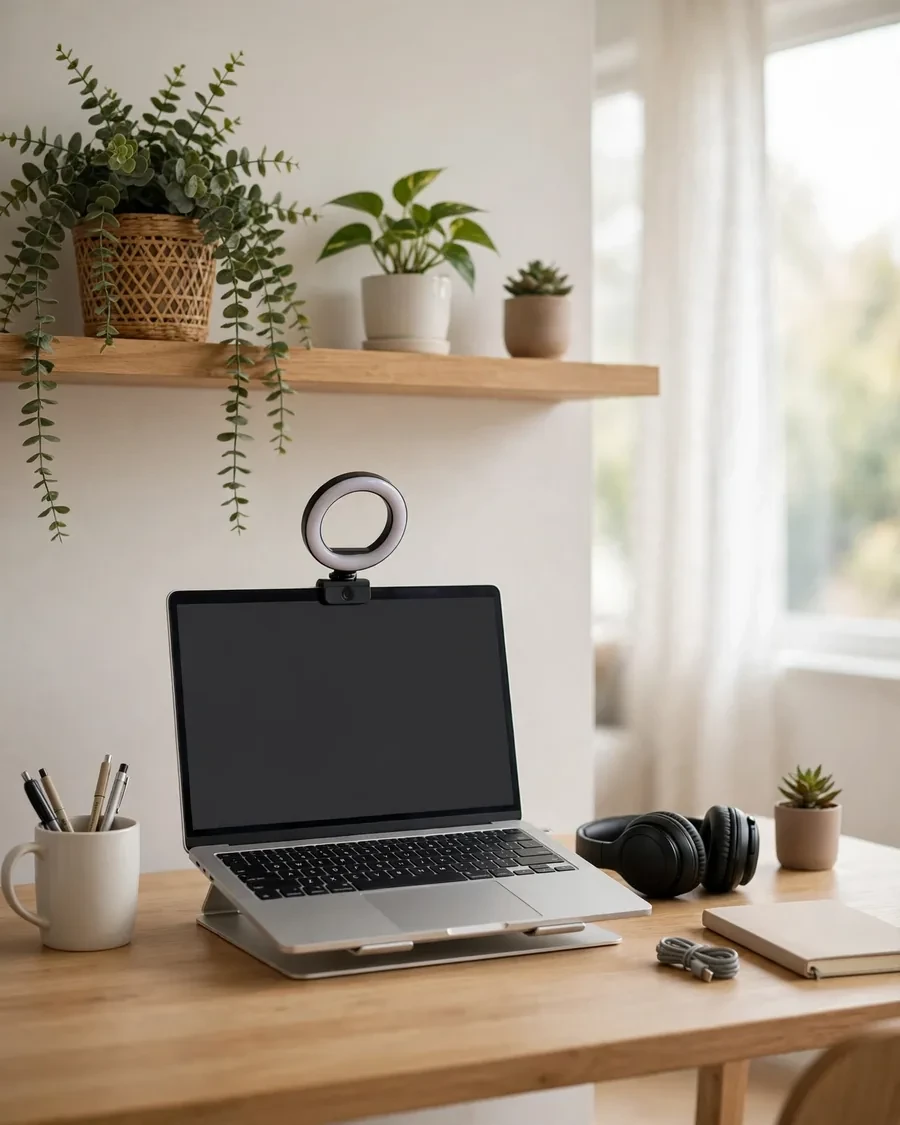
Set your desk for calls: screen at eye level, light facing you. Best for: daily video calls. Pro tip: test your background once on a call.
How to Care for Your Desk Setup
Wipe the desk weekly, check cables monthly, and re-check chair and screen height after any change. Clear the desk each evening so tomorrow starts clean. For more room-level ideas, see our home office ideas.
Frequently Asked Questions
What is the best desk setup for working from home?
The best desk setup puts your screen at eye level about an arm’s length away, your chair at a height where feet rest flat, and your keyboard where elbows sit at a right angle. Start with a desk that fits your room, then add a monitor arm or laptop riser, a task lamp and cable management.
How big should a work from home desk be?
A desk about 120 cm wide and 60 cm deep suits most people, giving room for a monitor, keyboard and notebook. A 100 cm desk still works for a laptop, while dual monitors need at least 140 cm. Measure your room and chair space before buying. Keep cables tidy at the back of the desk.
Should my desk face the window or the wall?
Place your desk so the window is to your side, not directly in front of or behind you. A window in front causes screen glare, while one behind turns you into a silhouette on calls. Side light gives even daylight and flattering light for video. A blind softens harsh afternoon sun well.
Is a standing desk worth it for working from home?
A standing desk is worth it if you work full-time from home and feel stiff sitting all day. The value comes from switching positions, not standing all day — aim for short standing sessions through the day. Pair it with an anti-fatigue mat and memory height presets. Start with ten minutes standing each hour.
How do I set up a work from home desk in a small space?
Use a wall-mounted or fold-down desk, a slim straight desk, or a closet nook to fit work into a small space. Keep only daily essentials on the surface and move the rest to a pegboard, shelf or drawer. A laptop riser and wireless keyboard save space too. Close the setup away when the day ends.
What accessories improve a work from home desk setup?
The highest-impact accessories are a monitor arm or laptop riser, a separate keyboard and mouse, a desk lamp and an under-desk cable tray. After those, a desk mat, wrist rest and pegboard add comfort and order. Buy in that order, so each purchase solves a real problem. Comfort first, styling second, every time.
Conclusion
Start with the desk that fits your room and set the screen at eye level. Pick three of these 30 ideas, try them for a week, and keep what makes your workday easier.
