
Table of Contents
- Dial In Your Chair and Desk Height
- Raise Your Monitor to True Eye Level
- Add a Sit-Stand Option to Break Up the Day
- Work Near a Window for Natural Light
- Layer Task Lighting for the Evenings
- Hide the Cables, Clear the Mind
- Go Minimal: Keep Only the Essentials on the Desk
- Zone Your Desk for Deep Work and Admin
- Add One or Two Desk Plants
- Tame Noise with Soft Furnishings
- Build a Camera-Ready Backdrop
- Choose a Focus-Friendly Colour Palette
- Carve Out a Corner Nook in a Small Home
- Upgrade to a Wider Screen Layout
- Create a Shutdown Ritual Corner
Your desk setup quietly decides how well you work. The right chair height, light, and layout can sharpen concentration for hours; the wrong ones invite distraction, achy shoulders, and that mid-afternoon slump. These 15 work from home setup ideas focus on exactly that — practical desk, ergonomic, and zone tweaks that help you stay locked in, whether you have a dedicated room or a corner of the living room.
1. Dial In Your Chair and Desk Height
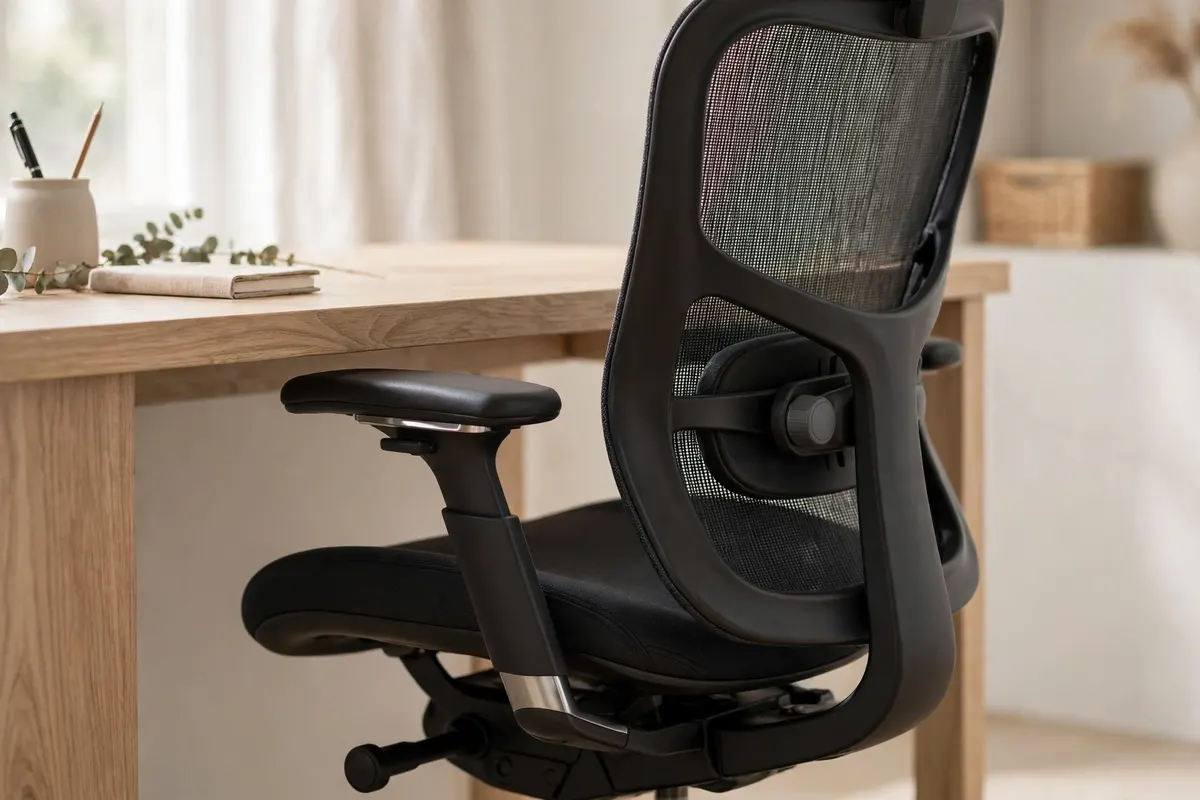
Start with the foundation: adjust your chair so your feet rest flat on the floor and your elbows sit at roughly 90 degrees when typing. A chair with proper lumbar support keeps your spine in its natural curve instead of slumping by lunchtime. Check your posture against OSHA’s computer workstation ergonomics guide to make sure your angles are neutral before you buy anything new.
2. Raise Your Monitor to True Eye Level
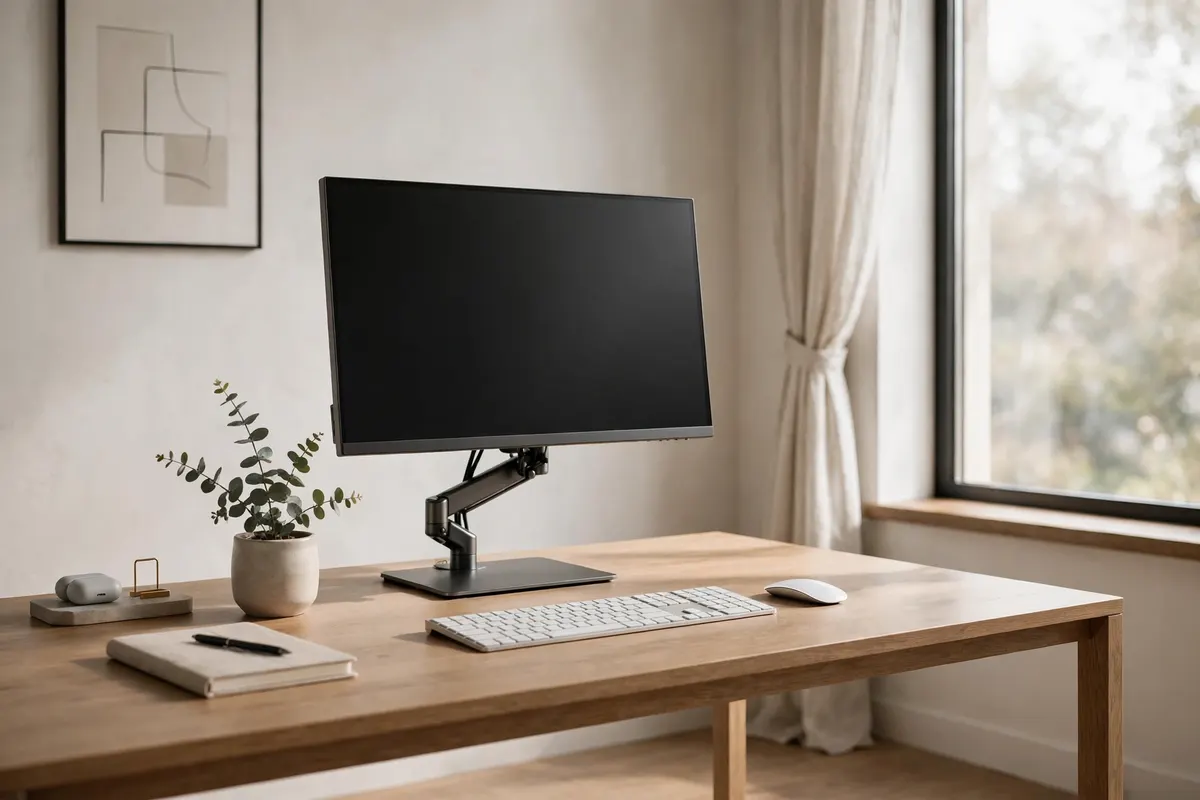
Most neck pain comes from looking down at a laptop or low monitor all day. Raise your screen so the top edge sits at or just below eye level — a simple laptop stand, monitor arm, or even a stack of sturdy books does the job. If you use a laptop as your main machine, add an external keyboard so you are not hunched over it.
3. Add a Sit-Stand Option to Break Up the Day
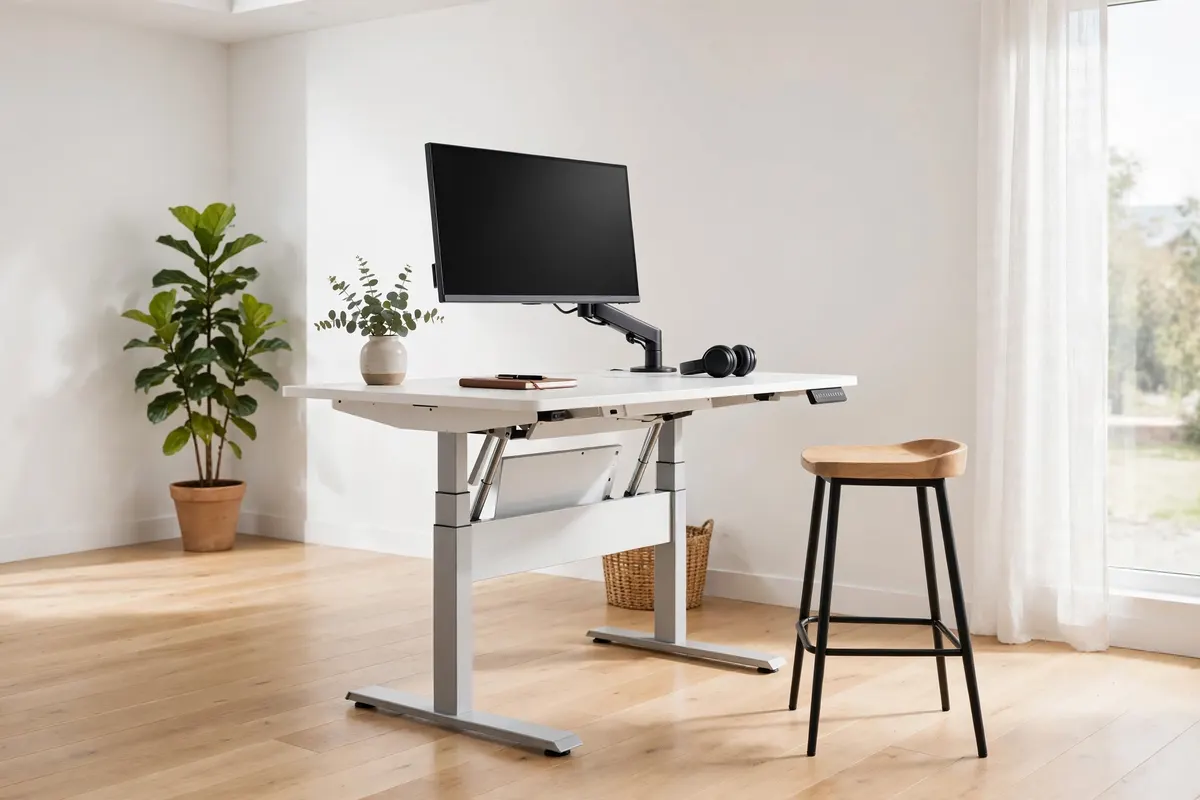
You don’t need a full electric desk to get movement into your day. A height-adjustable desk, a desktop riser, or even a tall countertop for standing calls gives you the option to change position every hour or so. Start with short standing periods and build up — consistency beats heroics when it comes to staying focused.
4. Work Near a Window for Natural Light
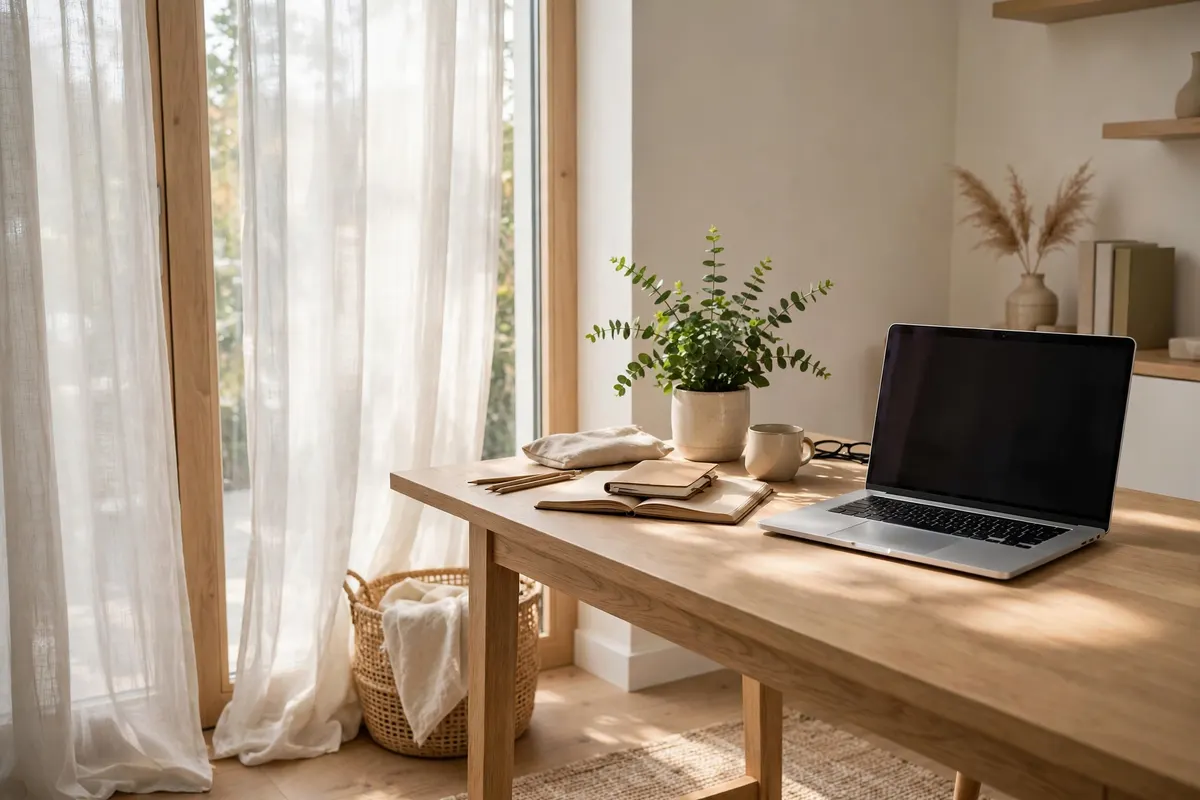
Natural light is one of the strongest focus tools you have. Position your desk near a window to regulate your body clock and cut down on eye strain from harsh overhead lighting. If you are rethinking the room around the desk too, browse our home office ideas for layout inspiration that makes the most of your light.
5. Layer Task Lighting for the Evenings
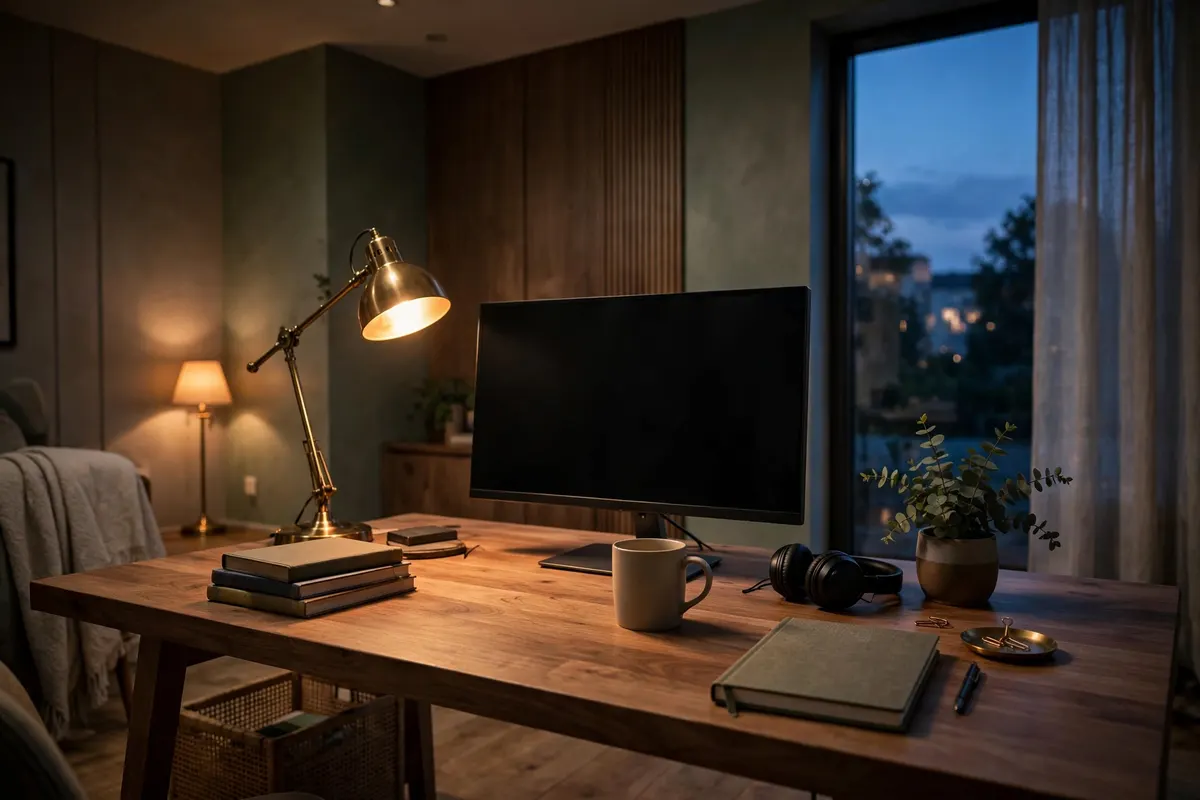
Once daylight fades, one harsh ceiling light is the fastest way to feel tired. Layer an adjustable desk lamp for focused task light, a warm floor lamp for ambient glow, and keep overheads dim or off. Good layered lighting keeps your eyes relaxed, which keeps your concentration steady into the evening.
6. Hide the Cables, Clear the Mind
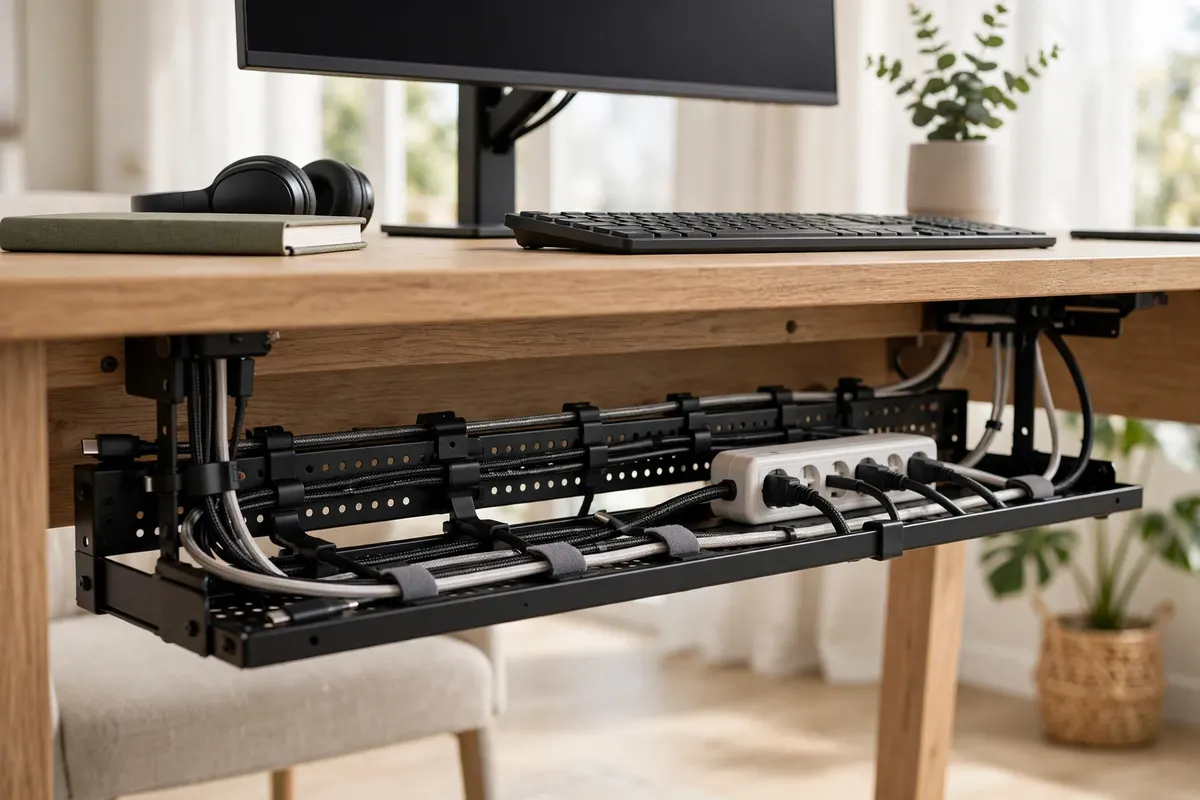
Visible cables are visual noise, and visual noise is a constant low-level distraction. Route chargers and power strips through a cable tray under the desk, use clips along the desk edge, and wrap long leads in sleeves. An under-desk power strip with short cables keeps everything off the floor.
7. Go Minimal: Keep Only the Essentials on the Desk
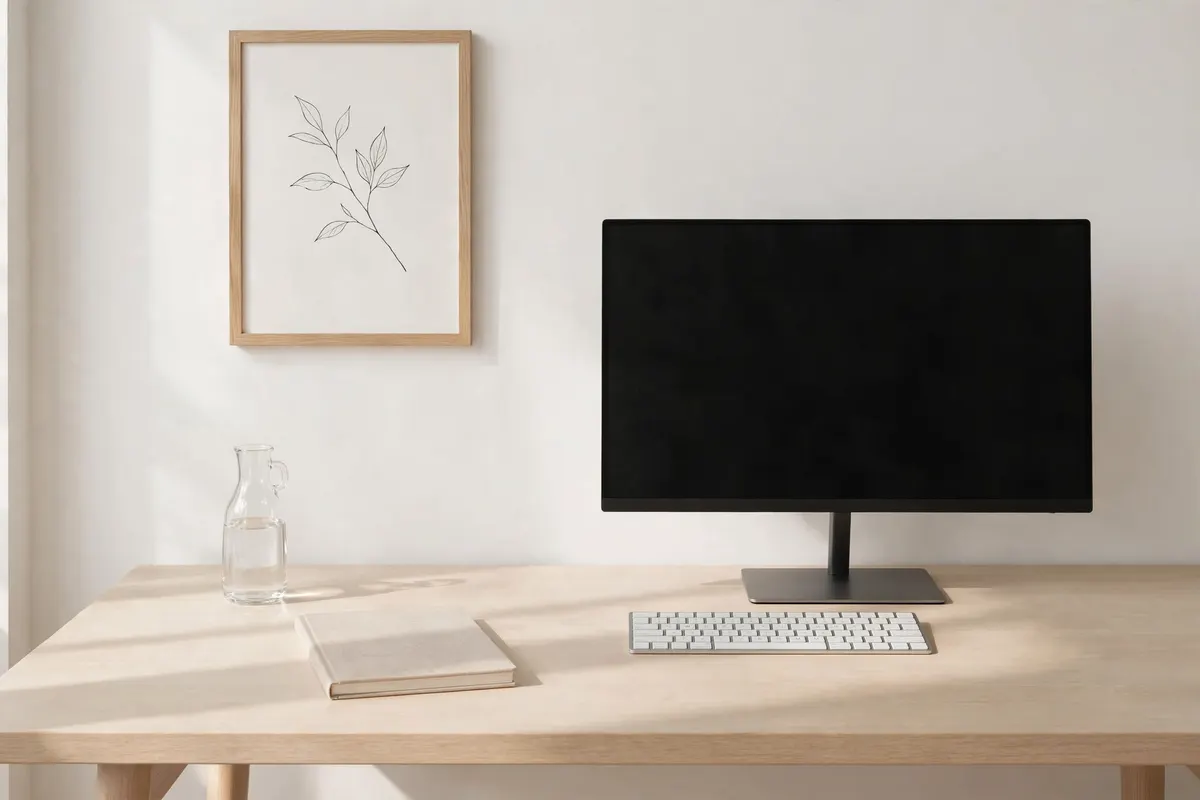
A cluttered desk divides attention. Strip your work surface down to what you genuinely use: screen, keyboard, notebook, water, and one or two tools. Give everything else a home in drawers, trays, or wall storage. The fewer objects in your peripheral vision, the fewer micro-distractions pull you away from deep work.
8. Zone Your Desk for Deep Work and Admin
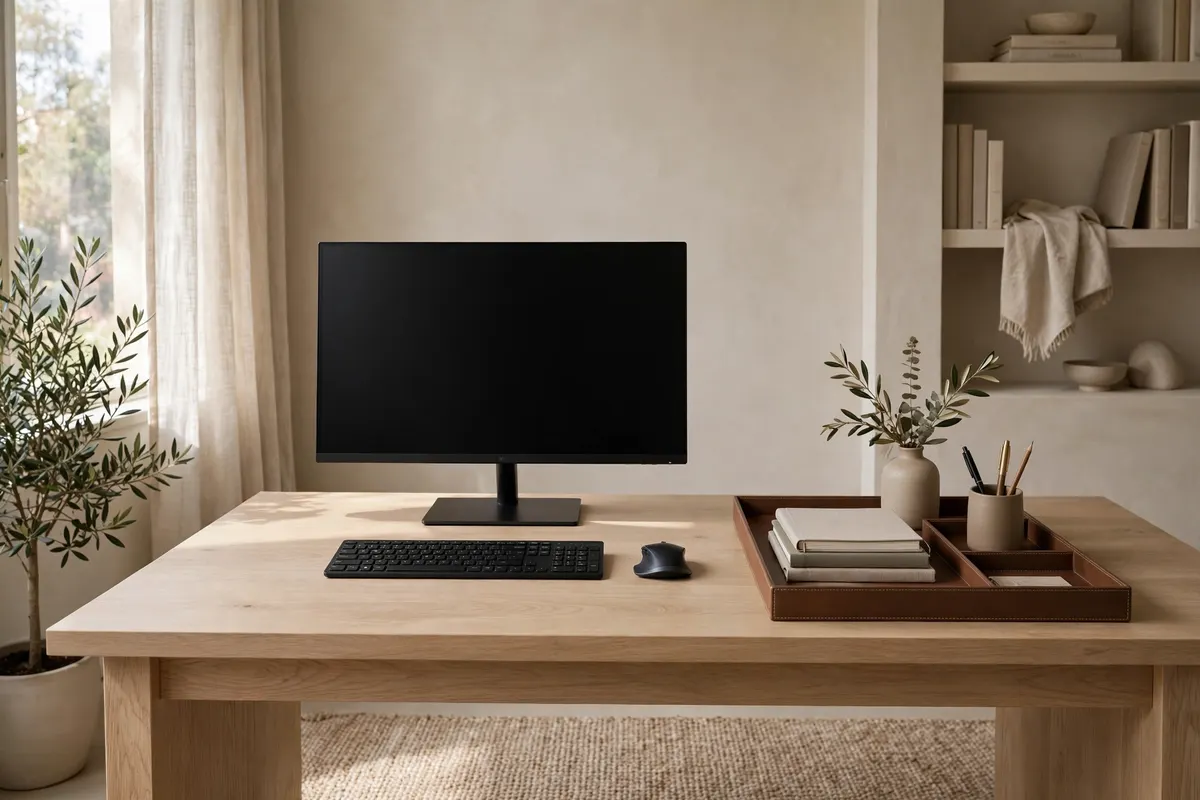
Divide your desk into zones: one clear central area for focused work, and one side area for admin — mail, notebooks, references. When you switch tasks, you physically shift attention instead of mixing everything together. This simple separation helps your brain treat the main workspace as a focus-only space, which makes starting hard tasks noticeably easier.
9. Add One or Two Desk Plants
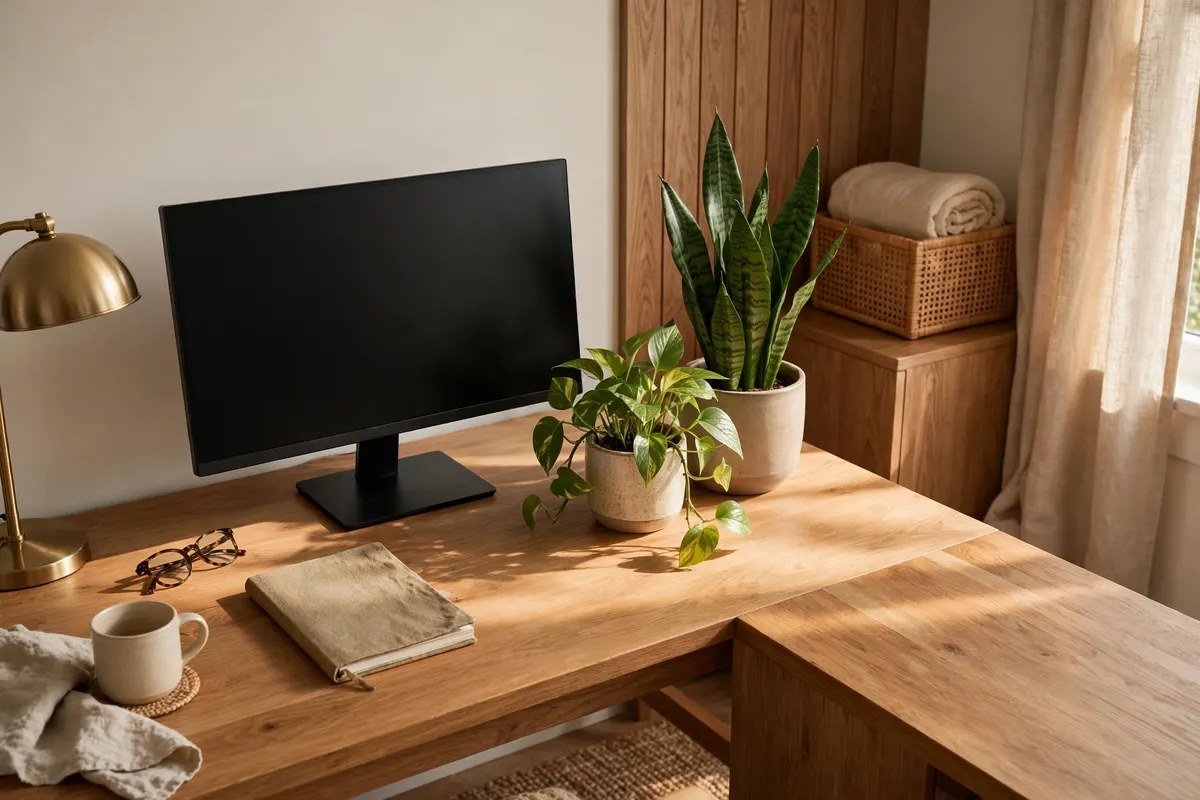
A bit of greenery softens the tech-heavy look of a workstation and gives your eyes a natural resting point during breaks. Choose low-maintenance options like a pothos, snake plant, or small succulent that won’t demand attention you need for work. The biophilic touch makes the whole setup feel calmer and more inviting.
10. Tame Noise with Soft Furnishings
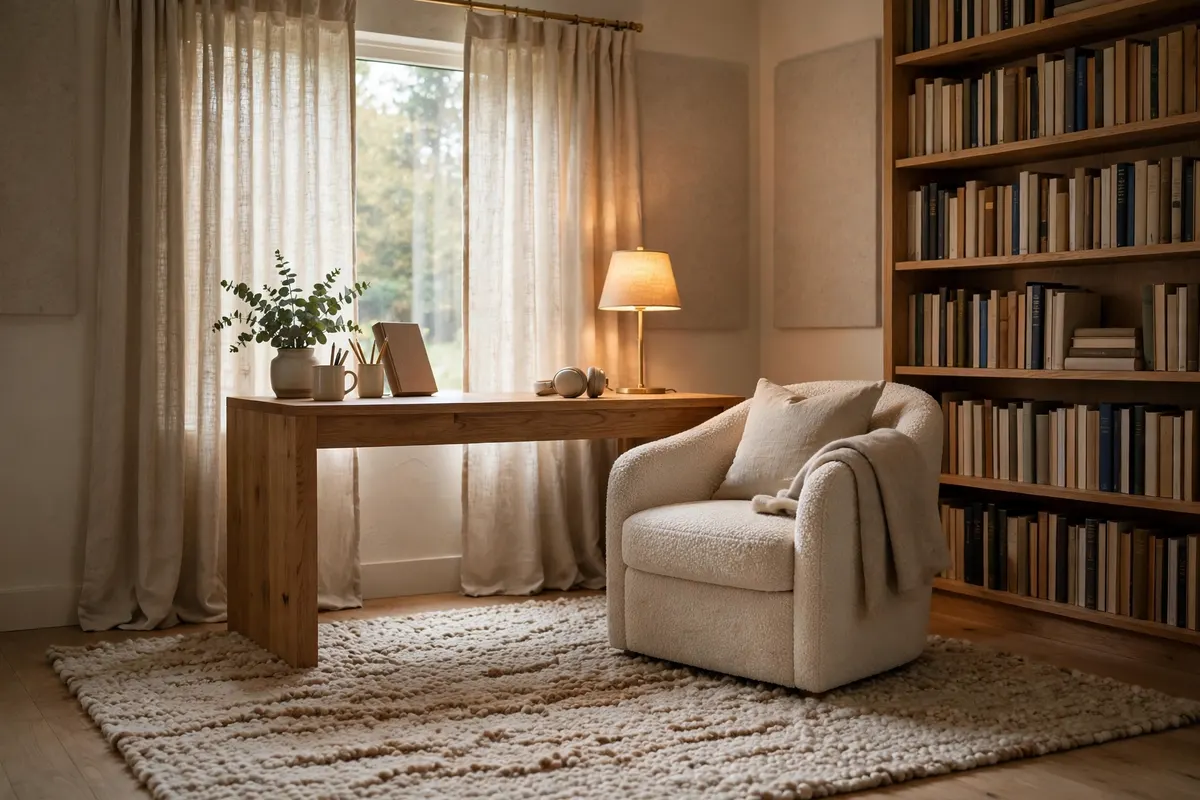
Hard, empty rooms bounce sound around and make it hard to concentrate on calls. A rug under the desk, curtains, an upholstered chair, or even a bookshelf against the wall all absorb echo. Quiet surroundings are an underrated focus upgrade — most people notice the difference within a day.
11. Build a Camera-Ready Backdrop
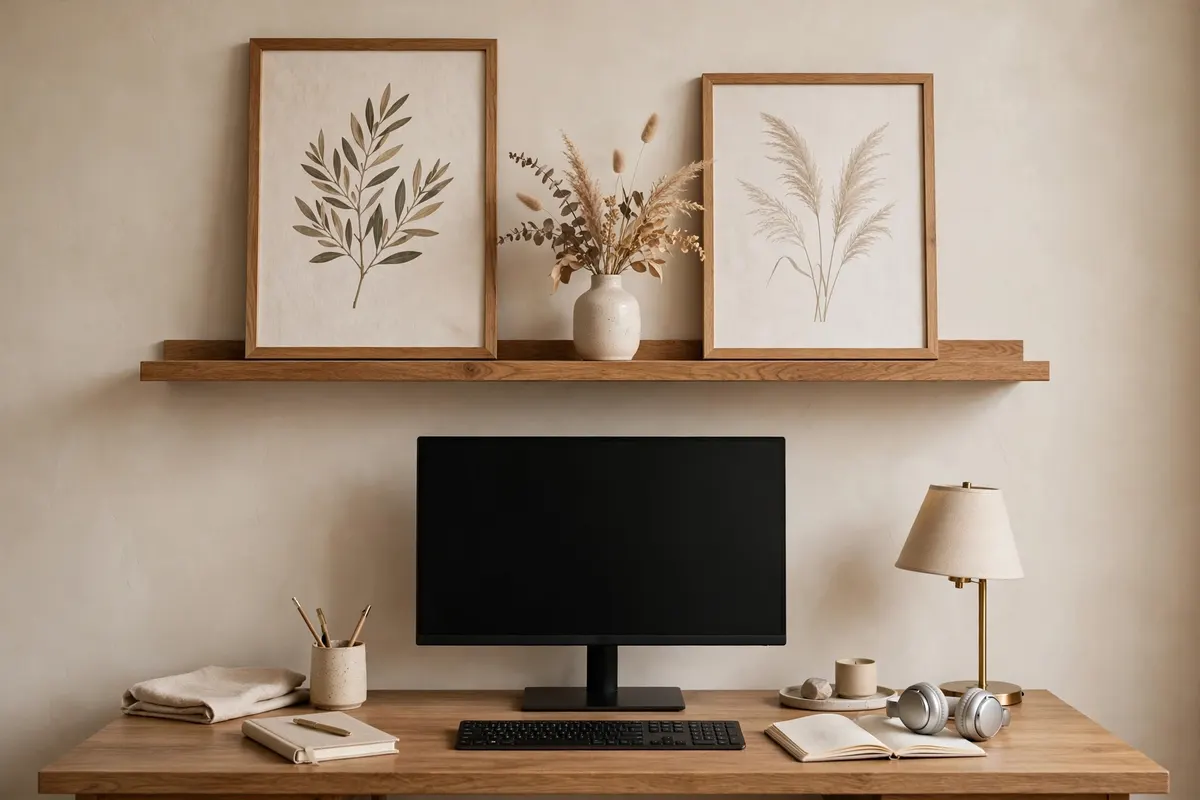
If you are on video calls daily, design what the camera sees. A clean wall, a floating shelf with a few curated objects, or a simple piece of art behind you reads as professional. This small styling effort pays off every time you join a meeting, and it removes the daily scramble to tidy up.
12. Choose a Focus-Friendly Colour Palette
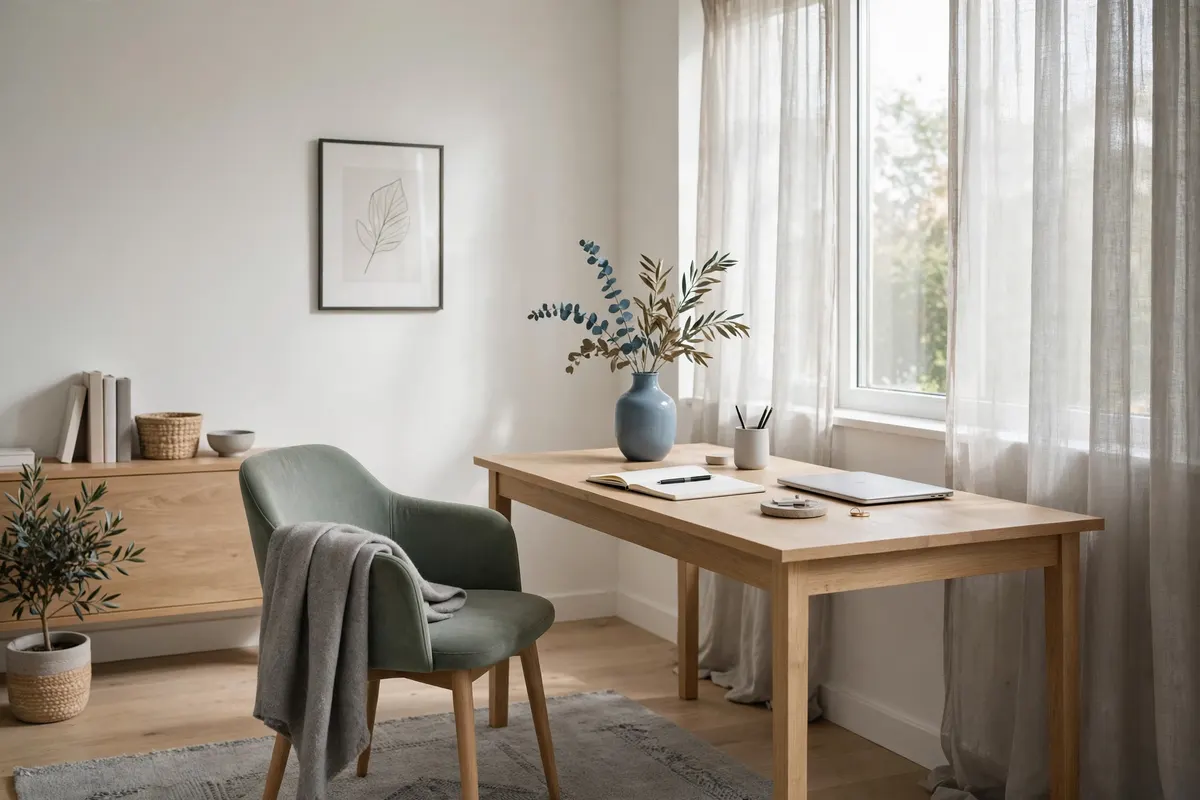
Colour shapes mood more than most people realise. For a work from home setup that boosts focus, lean on calm neutrals — warm whites, soft greys, light wood — with one restrained accent like sage green or dusty blue. A cohesive palette makes the whole desk feel intentional and keeps your visual field quiet.
13. Carve Out a Corner Nook in a Small Home
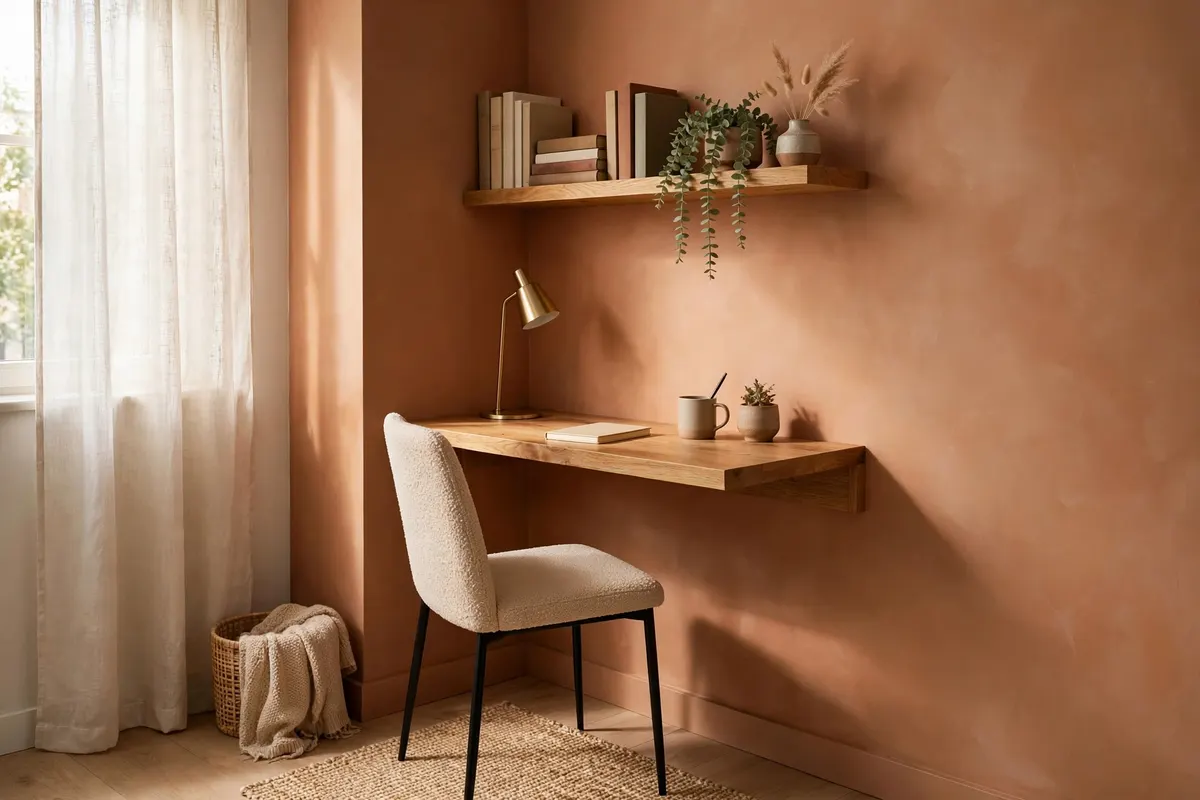
No spare room? A corner can become a proper workstation. Use a compact or floating desk, a slim chair that tucks in, and a wall-mounted shelf instead of a bookcase. Angle the desk into the corner so your back faces the room — this creates a psychological boundary that says “I am at work.”
14. Upgrade to a Wider Screen Layout
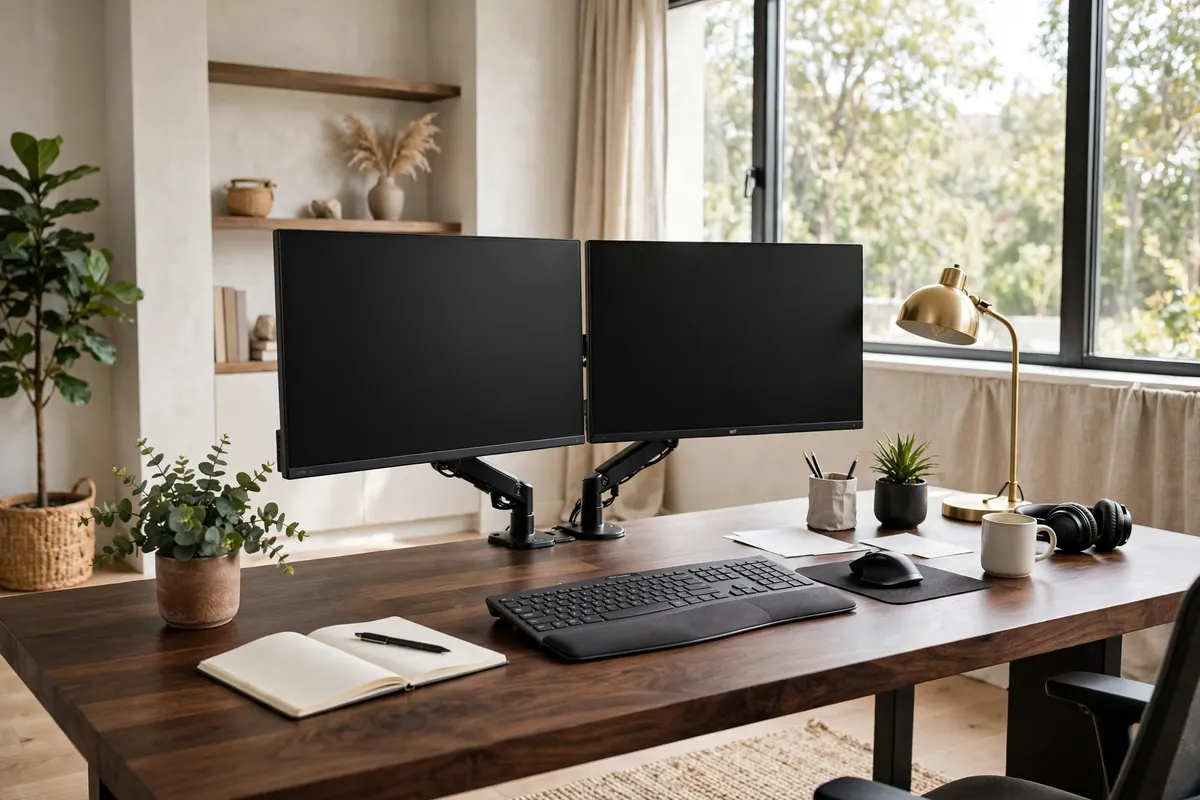
Constantly flipping between tabs breaks concentration. A single ultrawide monitor or a dual-screen setup lets you keep research, documents, and calls visible side by side without the mental cost of switching. For a deep dive on the furniture side of this upgrade, see our home office upgrades for desk and chair picks that pair well with bigger setups.
15. Create a Shutdown Ritual Corner
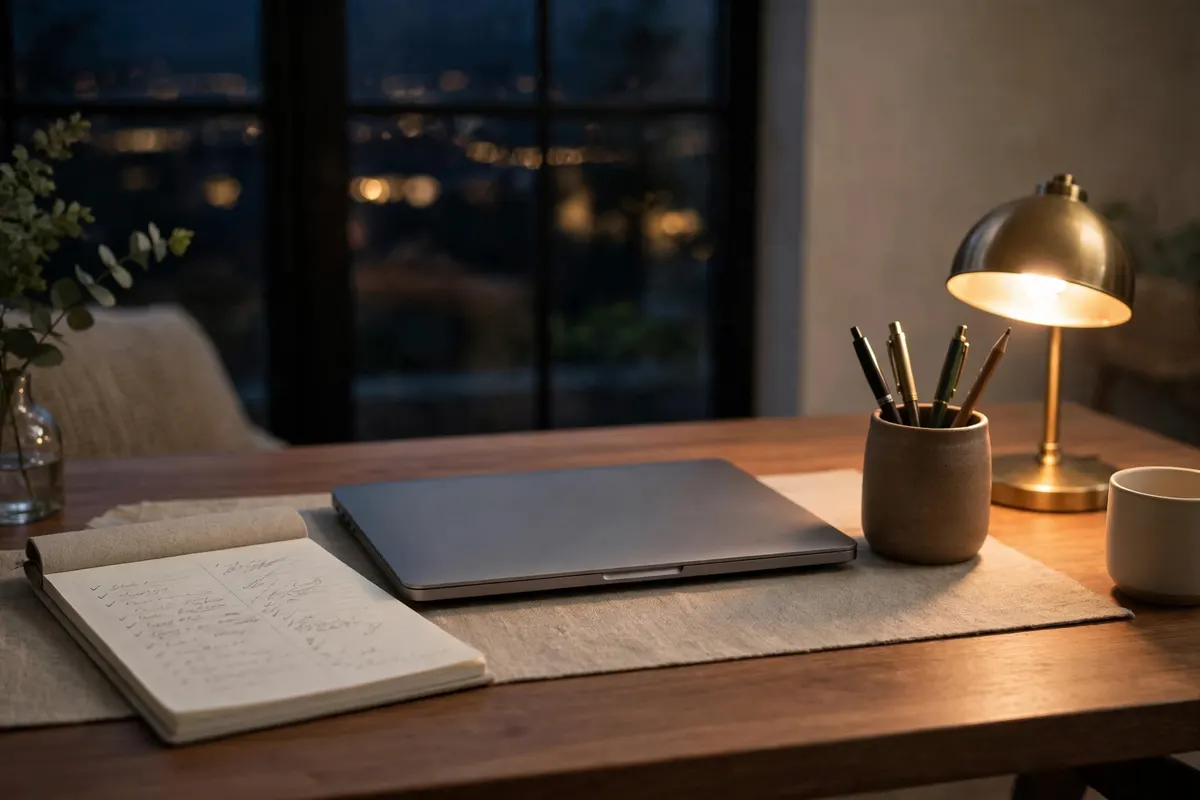
How you end the workday matters as much as how you start it. Reserve a small corner of the desk — or a nearby shelf — for your shutdown ritual: close the laptop, place tomorrow’s top three tasks on a notepad, put pens away. This physical reset tells your brain the workday is done, protecting your evenings from work creep.
Frequently Asked Questions
What is the most important part of a work from home setup?
The chair and screen height. Ergonomic seating with lumbar support and a monitor at eye level fix most posture problems and keep you comfortable through long days.
How can I make my WFH desk setup better for focus?
Declutter the surface, manage cables, work near natural light, and create a dedicated focus zone. Removing visual and noise distractions matters more than any single gadget.
What is the best desk setup for a small space?
A compact or floating corner desk with wall-mounted storage keeps the footprint tiny. Angle the desk into the corner and use a slim, tuckable chair to preserve floor space.
Do I need a standing desk to be productive at home?
Not necessarily — a desktop riser or tall surface for standing calls gives you most of the benefit. What matters is changing position regularly, not the specific furniture.
How do I make my home office look good on video calls?
Face your light source, keep the background clean with one or two styled elements, and hide clutter behind or below the camera line. A tidy backdrop reads as professional instantly.
Conclusion
A focus-boosting work from home setup is not about buying everything at once — it is about stacking small, deliberate choices. Fix your ergonomics, light the space well, clear the clutter, and give your brain clear signals for when it is time to work and time to stop. Start with the three ideas that solve your biggest daily frustration, and your desk will start working for you instead of against you.
