
Your desk chair squeaks every time you shift, your lamp casts a weird yellow glow on every Zoom call, and somehow you still can’t find a pen when you need one. Sound familiar?
I’ve walked into more home offices than I can count, and the ones that actually work all share a handful of home office upgrades that have nothing to do with trends. House Beautiful also shows clever home office upgrade ideas in real homes.
This isn’t about chasing a Pinterest aesthetic. It’s about fixing the small, annoying gaps between the office you have and the one that actually lets you focus, so you stop losing an hour a day to friction you didn’t even know was there.
My Design Notes
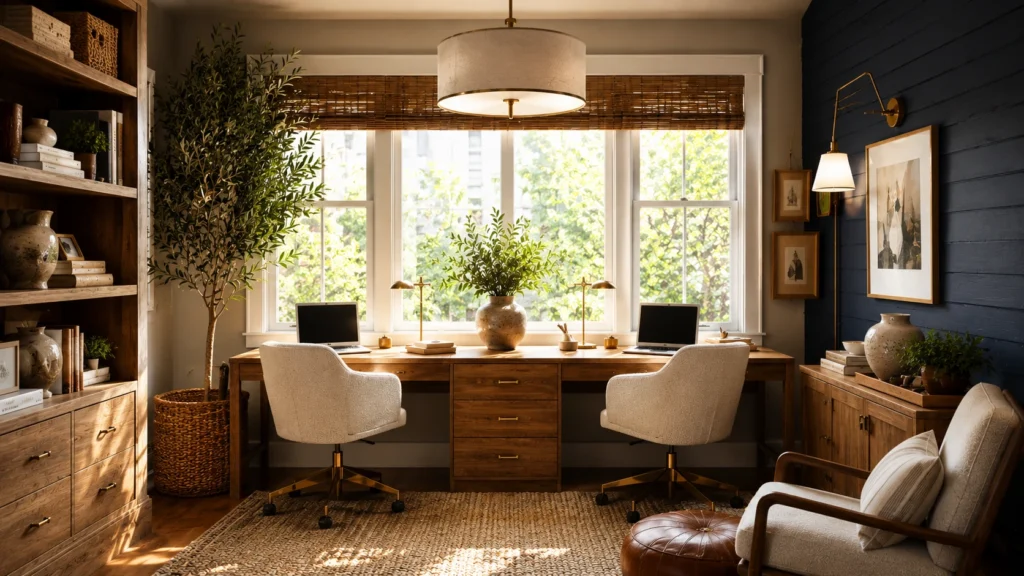
When I was working on a project just outside Nashville, my clients were a couple who’d both gone remote within months of each other, and they decided to turn their barely used formal dining room into a shared office. He wanted moody navy walls. She wanted something brighter. I’ve learned that these disagreements usually aren’t really about paint, they’re about how each person concentrates, so we split the difference with a double desk facing opposite windows and navy on just one accent wall, cream everywhere else.
Everything was going smoothly until their rescue dog decided the wool rug we’d picked was his new favorite shedding spot. We ended up swapping it for a performance fiber rug two weeks after installation, and honestly, I should have asked about the dog before I ever ordered the wool. My take now is that I always ask about pets and daily habits before I finalize a single material, because the room has to survive real life, not just look good in photos.
14 Home Office Upgrades: Essential Design Secrets for an Unforgettable Workspace
1. Start With the Right Location
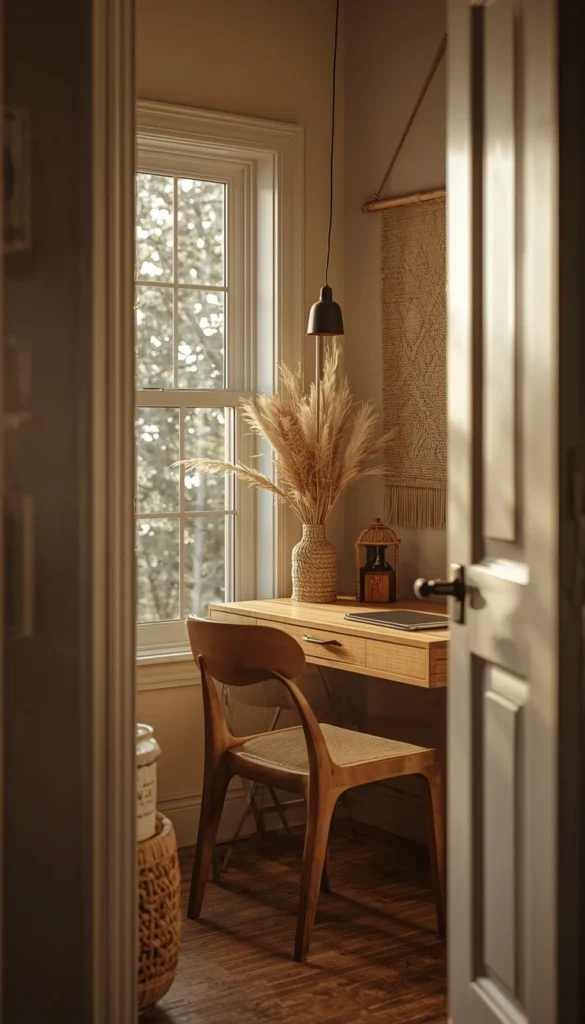
Before you pick a single paint color or piece of furniture, figure out where this office actually belongs in your home. I always ask clients the same question first: do you focus better in the middle of the action, or do you need a door you can close? If you’re someone who gets pulled into every conversation happening in the kitchen, a spot near the family hub is going to sabotage you no matter how nice the desk looks. A guest room, a quiet corner of the basement, or even a converted closet with good airflow will serve you better than a beautifully styled nook that sits five feet from the TV.
2. Invest in a Desk That Fits Your Actual Workflow
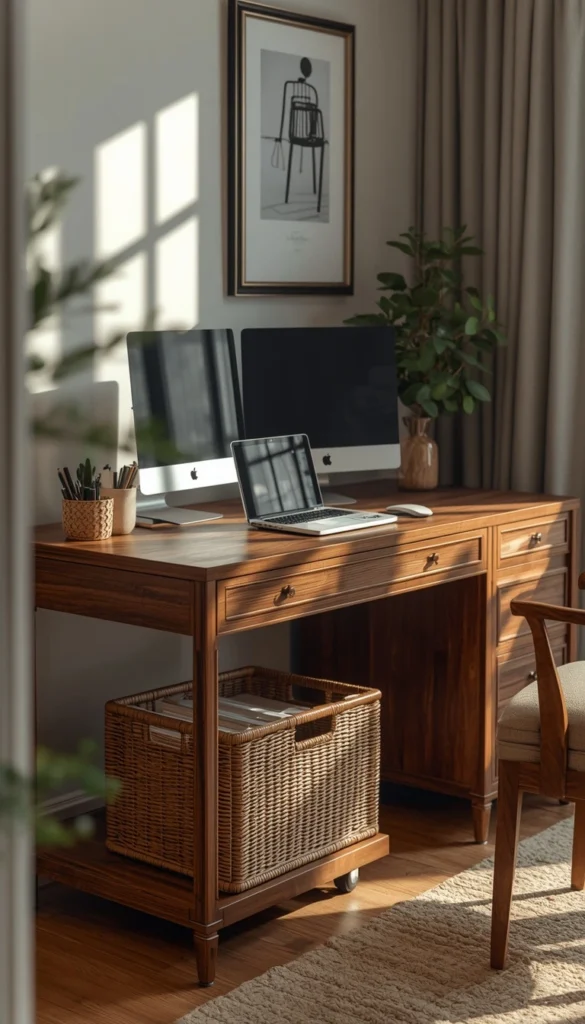
A desk is not just a surface; it’s the anchor of everything you do all day, so don’t buy one based on looks alone. Think about what you actually need within arm’s reach.
- Two monitors and a laptop stand need more depth than you’d think, usually at least 30 inches
- A rolling file cart under a smaller desk can replace bulky built in drawers
- Corner desks work wonders in tight rooms but make video calls tricky unless you angle them right
One thing I watch for with clients is buying a desk that photographs well but has zero legroom once the chair, keyboard tray, and a stack of files are all in place.
3. Choose a Chair Like Your Spine Depends On It
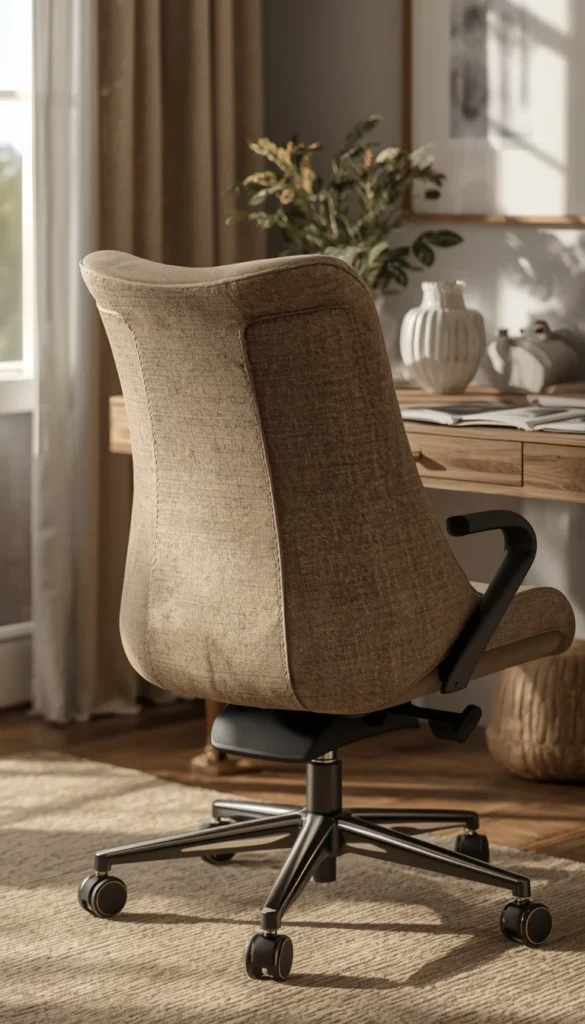
Because honestly, it does. I’ve seen people spend four figures on a statement desk and then plunk a flimsy dining chair in front of it, and within a month their back is in knots. A good ergonomic chair does not have to look clinical anymore. There are gorgeous options now in bouclé, leather, and even rattan that still support your spine properly. My rule of thumb is this: if you can’t adjust the seat height and lumbar support, keep shopping no matter how pretty the fabric is.
4. Get Your Lighting Layered Right
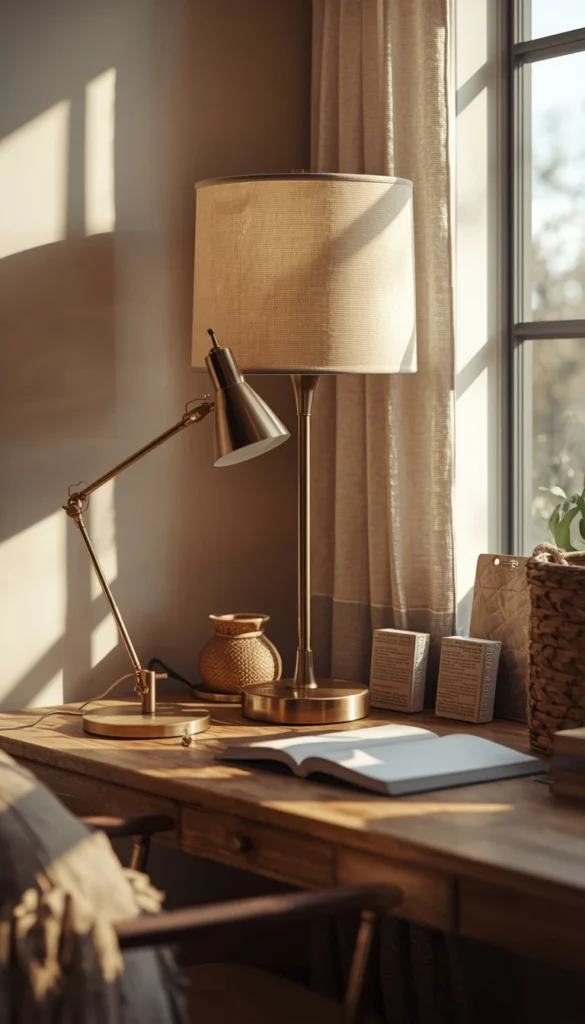
Lighting is the one upgrade almost everyone underestimates until they’re squinting at a screen by 4 pm. You want at least three light sources working together, not just one overhead fixture doing all the work.
- A task lamp on the desk for close-up work
- An ambient fixture, like a pendant or floor lamp, to soften shadows
- A window positioned so it lights your face, not just your screen, during calls
A quick trick I’ve learned is to check your video call lighting at the exact time of day you’ll actually be on calls most, because morning light and afternoon light behave completely differently in the same room.
Are you Team Built In Storage or Team Freestanding Furniture for your workspace?
5. Pick a Wall Color That Matches Your Work Style
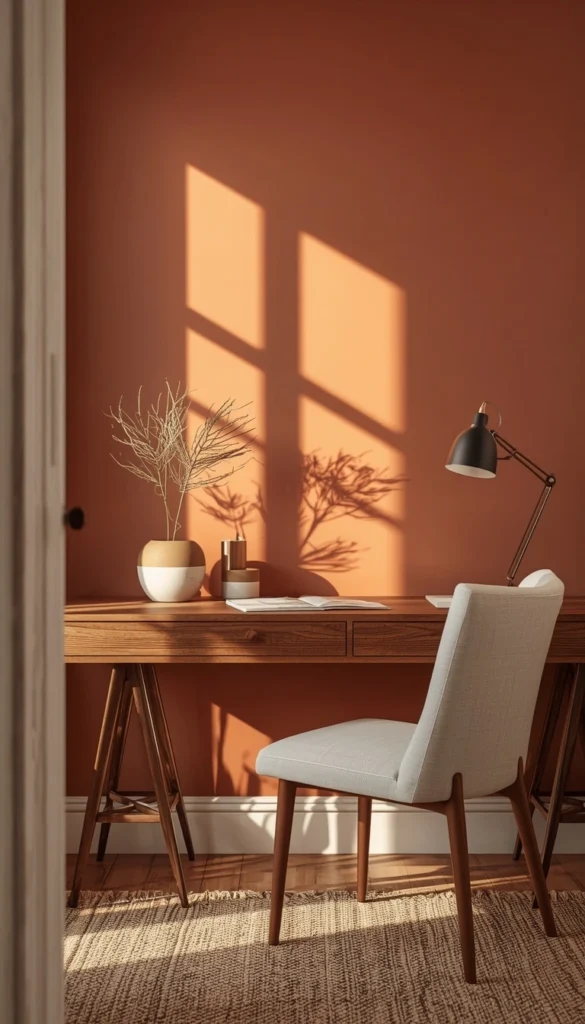
Forget beige just because it feels safe. Color genuinely affects how your brain shows up to work, and I’ve seen it play out over and over with clients. If you need energy and stimulation, something like Sherwin-Williams Kelly green or a warm terracotta can actually wake up a sluggish afternoon. If your job is heads down and detail oriented, a soft blue like Benjamin Moore’s Blue Bayou tends to settle the mind instead of stirring it up. Test a sample on the wall for a full week before committing, because paint reads completely differently under morning light versus your evening desk lamp.
6. Built Ins vs Freestanding Storage
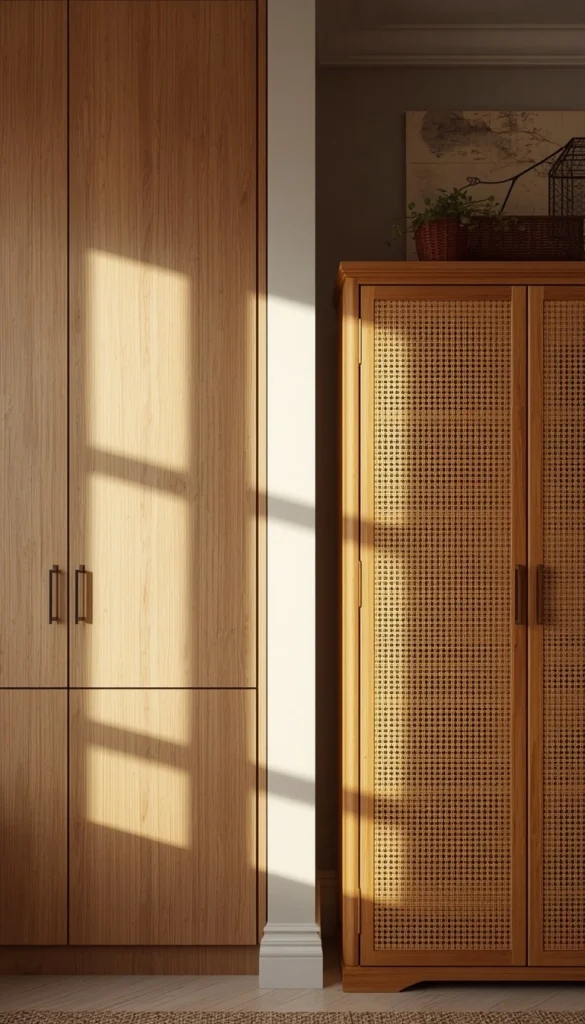
This is one of those decisions that feels small until you’re three years in and either thrilled or regretting it.
- Built-ins add resale value and disappear cabinet doors that hide printers, filing, and cords
- Freestanding pieces are cheaper upfront and move with you if you relocate
- A hybrid, like one built in wall paired with a vintage cabinet, often gives you the best of both
If you’re renting or expect to move within a few years, I’d steer you toward freestanding every time. Built-ins are a beautiful investment, but they’re an investment in the house, not just the room.
Top 6 Home Office Upgrade Ideas
| Idea | Estimated Price | Maintenance |
|---|---|---|
| Ergonomic Office Chair | $150 to $600 | Low |
| Layered Desk Lighting | $60 to $250 | Low |
| Performance Fiber Rug | $200 to $500 | Medium |
| Built-In Cabinetry | $2,000 to $8,000 | Low |
| Accent Wallpaper Wall | $80 to $300/roll | Medium |
| Desk Grommet and Cable Kit | $20 to $60 | Low |
7. The Zoom Background Problem
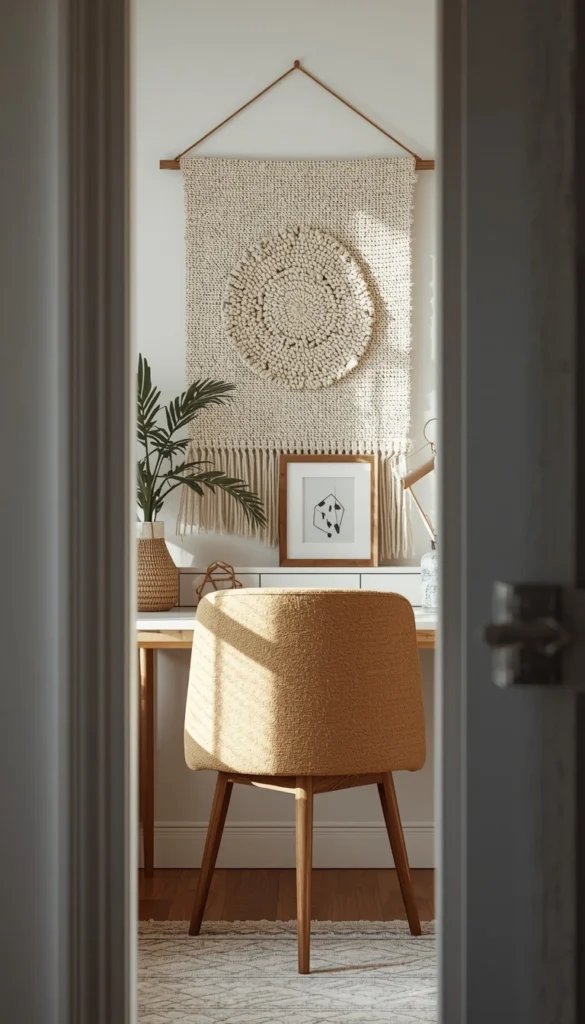
Nobody talks about this enough, but your background is basically doing PR for you all day long. A blank wall says nothing, a cluttered bookshelf says too much, and a poorly lit corner just looks tired on screen. I like giving clients one intentional focal point behind the camera, maybe a piece of art, a textured wall, or a single curated shelf, rather than trying to make the whole room camera-ready. It takes the pressure off the rest of the space and gives you one thing to keep tidy instead of an entire room.
8. Rugs in a Home Office: What Actually Holds Up
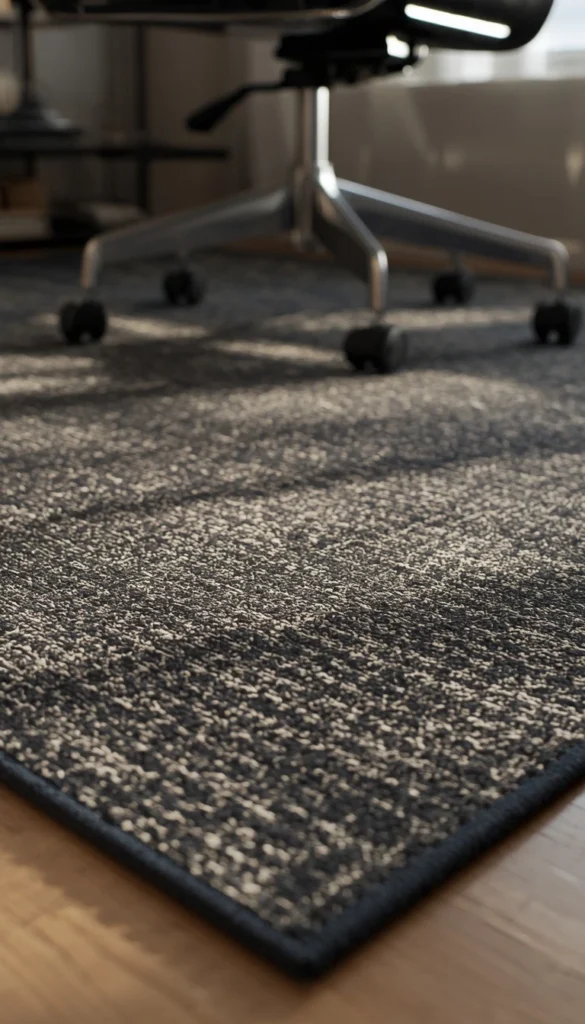
Rugs bring warmth into a room that can otherwise feel sterile, but this is where I see people make expensive mistakes. A plush white wool rug looks incredible in photos and is an absolute nightmare with a rolling chair, spilled coffee, or a shedding dog, as I learned the hard way on that Nashville project. For a real office, look at performance fibers or a low pile weave in a pattern that hides everyday wear. Dark, textured rugs with some variation in the weave will forgive years of rolling chair marks that a flat solid color never will.
9. Wallpaper or Mural as a Focal Wall
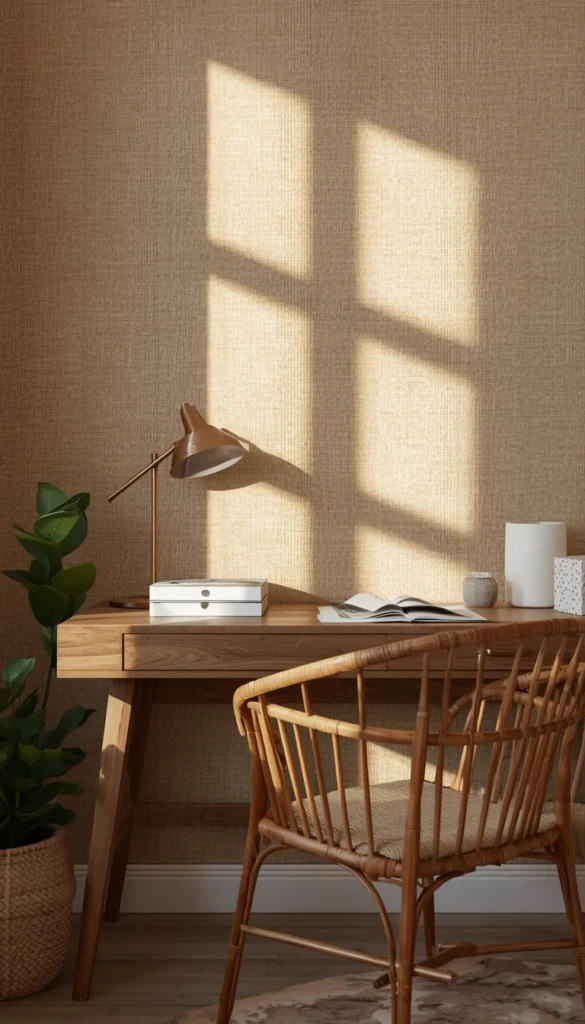
A bold wallpaper can turn a flat, forgettable office into a room people actually want to sit in, and it doesn’t have to mean redoing all four walls. One accent wall behind the desk or along a reading nook gives you the drama without overwhelming a small footprint. Grasscloth and floral prints add texture that photographs beautifully on calls too.
- Test a sample swatch under your actual lighting before committing
- Textured papers like grasscloth hide seams and small imperfections better than smooth prints
- Budget for touch-ups down the line, since sunlight and humidity can fade or lift edges over time
I always tell clients that wallpaper is a five to seven year commitment, not a forever one, so pick something you’ll still like when trends shift.
10. Cord and Cable Management That Doesn’t Look Like a Server Room
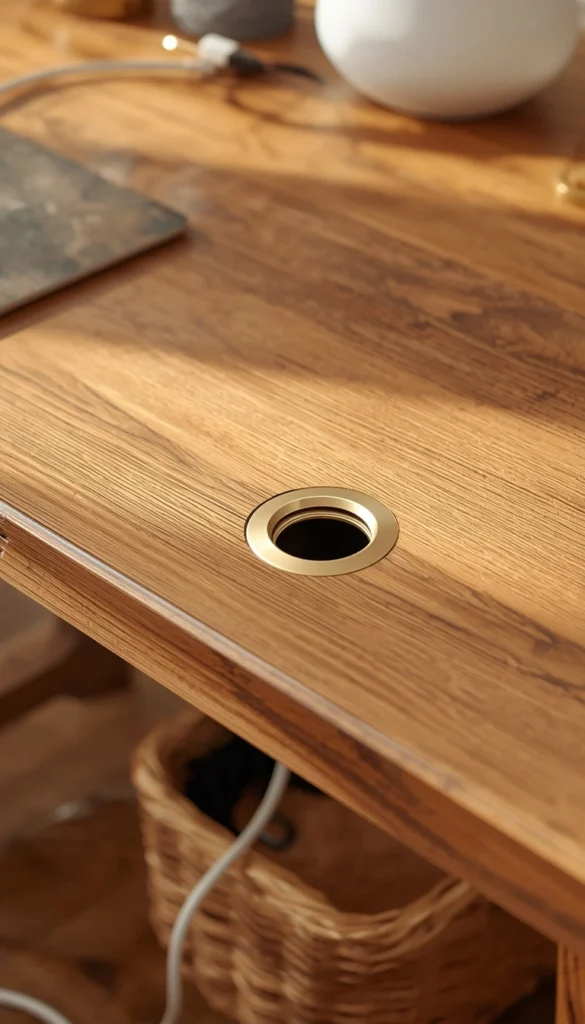
Nothing kills a beautifully designed office faster than a tangle of black cords snaking across the floor. A desk grommet is one of the simplest fixes I recommend, since it guides everything through a single hole and keeps the surface clean. For the floor, a slim cable raceway or a woven basket tucked under the desk hides the mess without looking like an afterthought. My advice is to plan your outlet access before you finalize desk placement, because moving a desk after the fact to chase an outlet is a headache nobody wants.
11. Acoustic Considerations for Video Calls
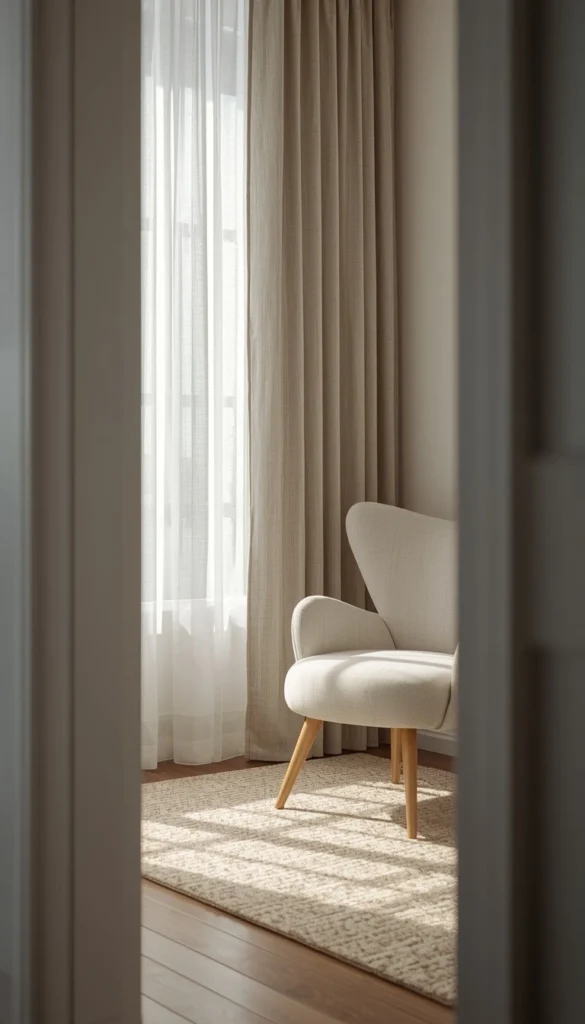
This one gets overlooked constantly, and it shouldn’t, because sound quality on a call matters just as much as how the room looks behind you. Hard floors, bare walls, and high ceilings all bounce sound around, making you sound like you’re in an echo chamber. Soft goods fix this more easily than people expect.
- A rug, even a small one, absorbs a surprising amount of noise
- Curtains, even purely decorative ones, soften hard reflections near windows
- An upholstered chair or small sofa in the room adds another layer of sound absorption
I’ve had clients add a single curtain panel purely for acoustics and notice an immediate difference on their next call.
12. Small Space and No Spare Room Solutions
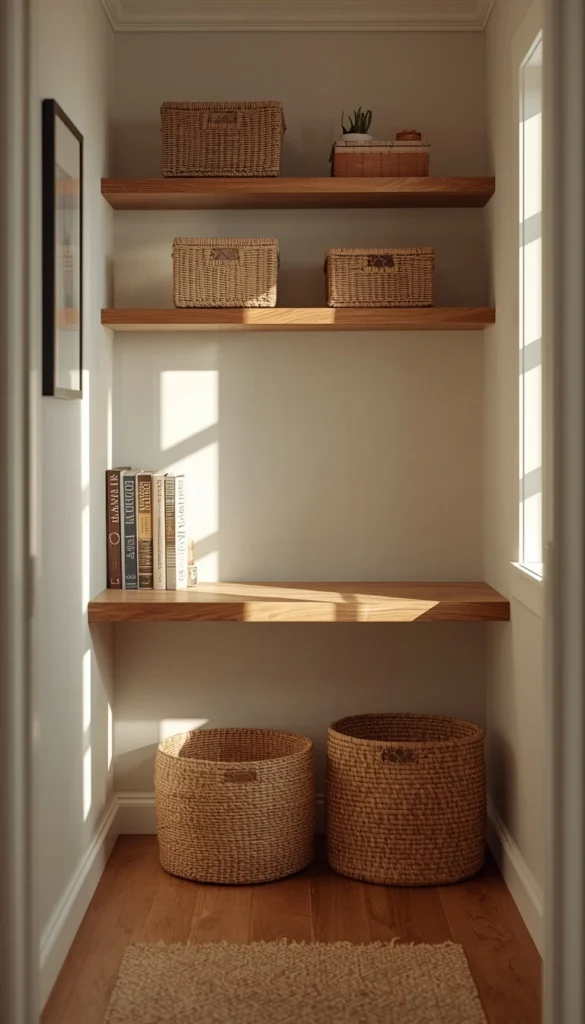
You genuinely do not need a dedicated room to have a functional office, and I want to put real numbers behind that. A stair landing, an attic corner, or even a deep closet can work if you’re smart about scale.
Around 8 by 10 feet is enough space for a built-in desk with storage on either side, while something closer to 10 by 13 feet gives you room to float a desk in the middle if that’s the look you want. For landings and closets specifically, a shallow desk around 18 to 24 inches deep paired with wall-mounted shelving keeps the footprint tight without feeling cramped. One thing I always check first in these smaller spots is whether there’s an outlet nearby, because running an extension cord across a landing is asking for someone to trip. If a corner is all you have, these corner desk ideas for small spaces make tight rooms work harder
Which corner of your house has secretly been begging to become an office this whole time?
13. Dual Purpose Rooms Done Right
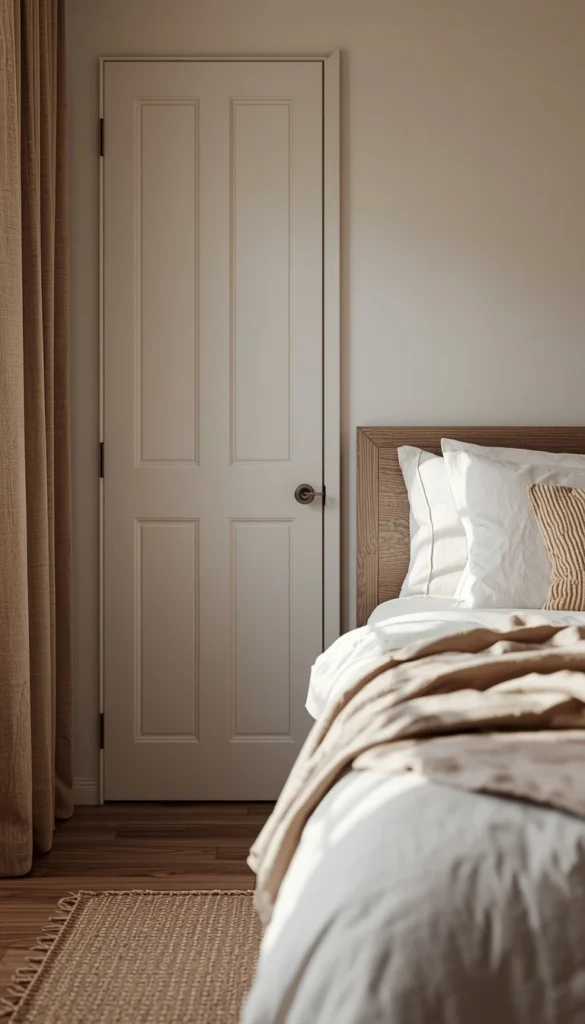
Combining your office with another room is one of the smartest moves for anyone short on square footage, but it only works if you plan the overlap carefully. A laundry room office, a guest room office, or even a pantry office can function beautifully as long as each side has its own zone. I like giving the work side a closed cabinet or pocket door so supplies and laundry baskets aren’t sitting in your Zoom background, and keeping a small stretch of counter or desk clear at all times for whichever task is more urgent that day.
- A guest room office needs a desk that tucks away or converts easily when visitors arrive
- A laundry office benefits from a countertop desk positioned away from the washer’s vibration
- Good task lighting matters even more here, since these rooms often lack dedicated overhead fixtures
14. Budget Roadmap Splurge vs Save Decisions That Actually Move the Needle
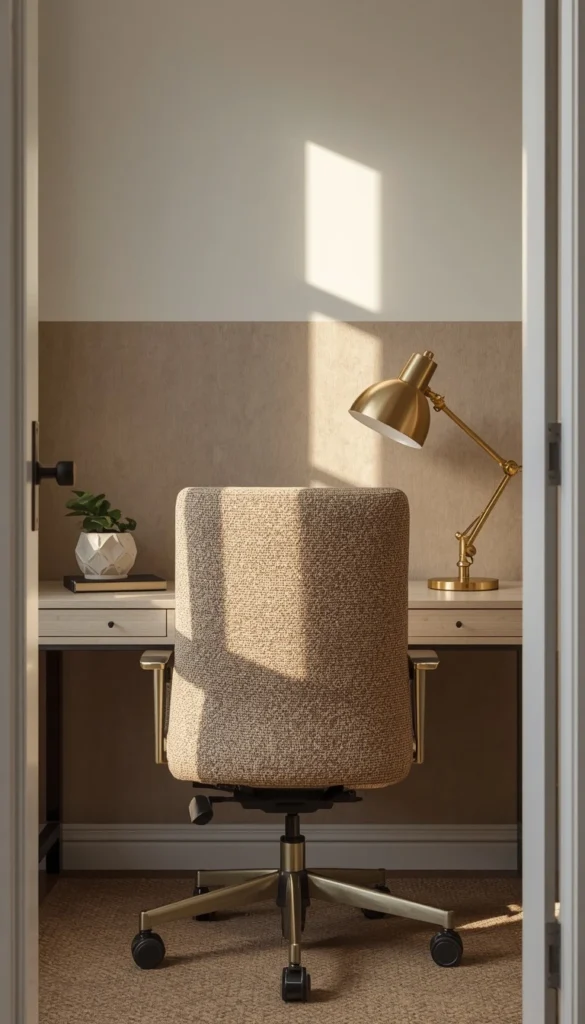
After years of doing this, I’ve noticed the same pattern over and over: people either overspend on the wrong things or underspend on the pieces that matter most. Your chair and your lighting are where I’d tell you to spend real money, because you feel the difference every single day, not just when guests walk in.
Paint, hardware, and accessories are where you can save without anyone noticing, since a well-chosen sample size of Sherwin-Williams paint costs a fraction of a custom built-in and delivers most of the visual impact. If you’re working with a tight budget, prioritize in this order: chair, lighting, desk, then everything else. A gorgeous room with an uncomfortable chair is a room you’ll dread by week two, no matter how good it looks in photos.
Which Office Path Fits You
By Budget
Starter Setup
- Desk grommet and cable kit for tidy cords
- One sample can of paint on an accent wall
- A performance fiber rug in a neutral tone
- Swap dining chair for a budget ergonomic option
Investment Upgrade
- Custom built-in desk and cabinetry
- Layered lighting with designer fixtures
- Grasscloth or textured wallpaper feature wall
- High-end ergonomic chair with full adjustability
By Lifestyle
Small Space or No Spare Room
- Shallow desk, 18 to 24 inches deep
- Wall-mounted floating shelves instead of bulky storage
- Landing, closet, or attic corner conversion
- Compact rug to soften hard flooring
Busy Households With Pets or Kids
- Performance fabric on any seating
- Low pile, stain-resistant rug over plush wool
- Closed storage to hide clutter fast
- Durable laminate desktop over delicate wood veneer
Frequently Asked Questions
How much does it cost to renovate a home office?
The average cost lands somewhere between 2,000 and 10,000 dollars, depending on whether you’re doing cosmetic updates or full built-ins. A paint and furniture refresh can stay under 1,500 if you shop smart.
What is the ideal size for a home office?
Ideally, you want at least 8 by 10 feet if you’re planning built-in storage. Smaller nooks work fine too, as long as the desk and chair actually fit without feeling cramped.
Does a home office add value to a house?
Yes, especially if it’s a dedicated room rather than a converted corner. Buyers increasingly ask about WFH space, so a well-finished office can genuinely help resale.
Should my desk face the window?
In most cases, yes, since natural light flatters your face on calls and reduces eye strain. If you’re easily distracted by outside activity, angle it instead of facing it directly.
What is the best flooring for a home office?
Hardwood or luxury vinyl plank tends to hold up best under rolling chairs. Carpet can work too, but only with a proper chair mat to prevent premature wear.
Conclusion
Your office doesn’t need a full renovation to feel like yours. Sometimes it’s one good chair, one bold wall, or finally hiding those cords that changes how you feel walking in every morning. Pick one thing from this list and do it this weekend, even if it’s just grabbing a paint sample or clearing off that one cluttered shelf. Your workspace should feel like a place you want to be, not a corner you’re stuck in.
For a complete setup checklist, these work from home setup ideas that boost focus pair well with the upgrades above.
